Bristle Canvas / Import Procreate brushes
Use your Procreate brushes
Switching apps should not mean starting from zero. Bristle Canvas opens your Procreate brushes and artworks.
Step by step
- Find your brush file. Your brushes are .brush files (one brush) or .brushset files (a set). Save them to the Files app, for example from a download or from Procreate's share menu.
- Open it with Bristle Canvas. In the Files app, tap and hold the file, choose Share, then Bristle Canvas. The brushes land in your brush library.
- Fine-tune in Brush Studio. Adjust shape, grain, pressure, tilt, color jitter and stabilization if a brush should feel a little different.
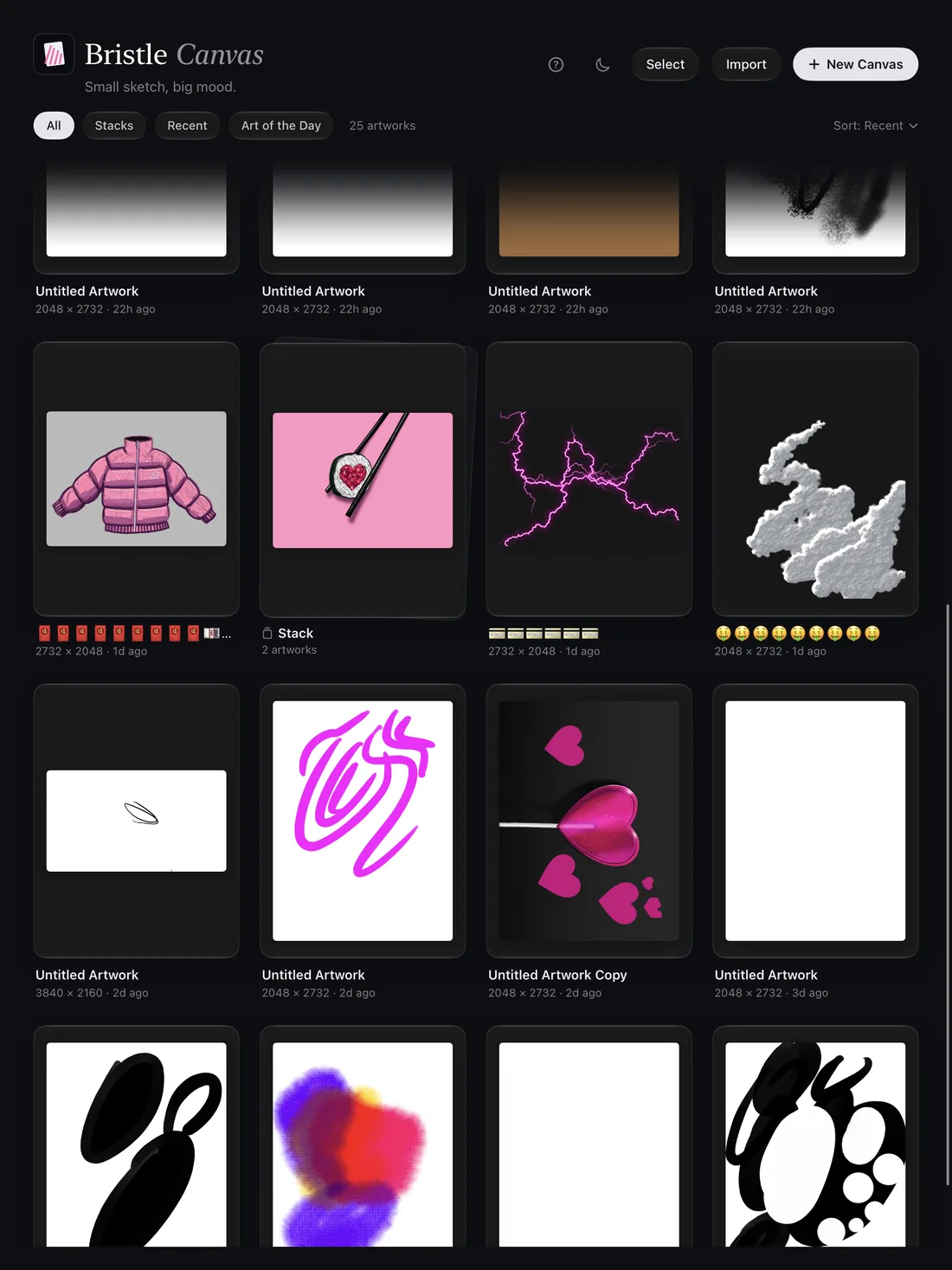
- Bring your artworks, too. Open .procreate and PSD files the same way. Your artworks keep their layers.
The other way around
With Bristle Premium you can export a Bristle brush as a .brush file for Procreate. This works for classic stamp brushes; Bristle-only brushes like chains, stickers and Living brushes stay in Bristle.
Why try Bristle next to Procreate?
Oil that mixes on the canvas, watercolor that blooms, strokes that keep moving and a brush designer. Every painting tool is free. Bristle Canvas vs Procreate.
Questions
Can I import Procreate brushes into Bristle Canvas?
Yes. Open a .brush or .brushset file with Bristle Canvas and the brushes land in your library.
Can I open .procreate files?
Yes, Bristle Canvas opens .procreate and PSD files with their layers.
Can I export Bristle brushes to Procreate?
Yes, with Premium, as a .brush file. This works for stamp brushes; chains, stickers and Living brushes stay in Bristle.