Bristle Canvas / Bristle vs Fresco
Bristle Canvas vs Adobe Fresco
Both apps are free to paint with and both care about real-looking oil and watercolor. Here is where they differ.
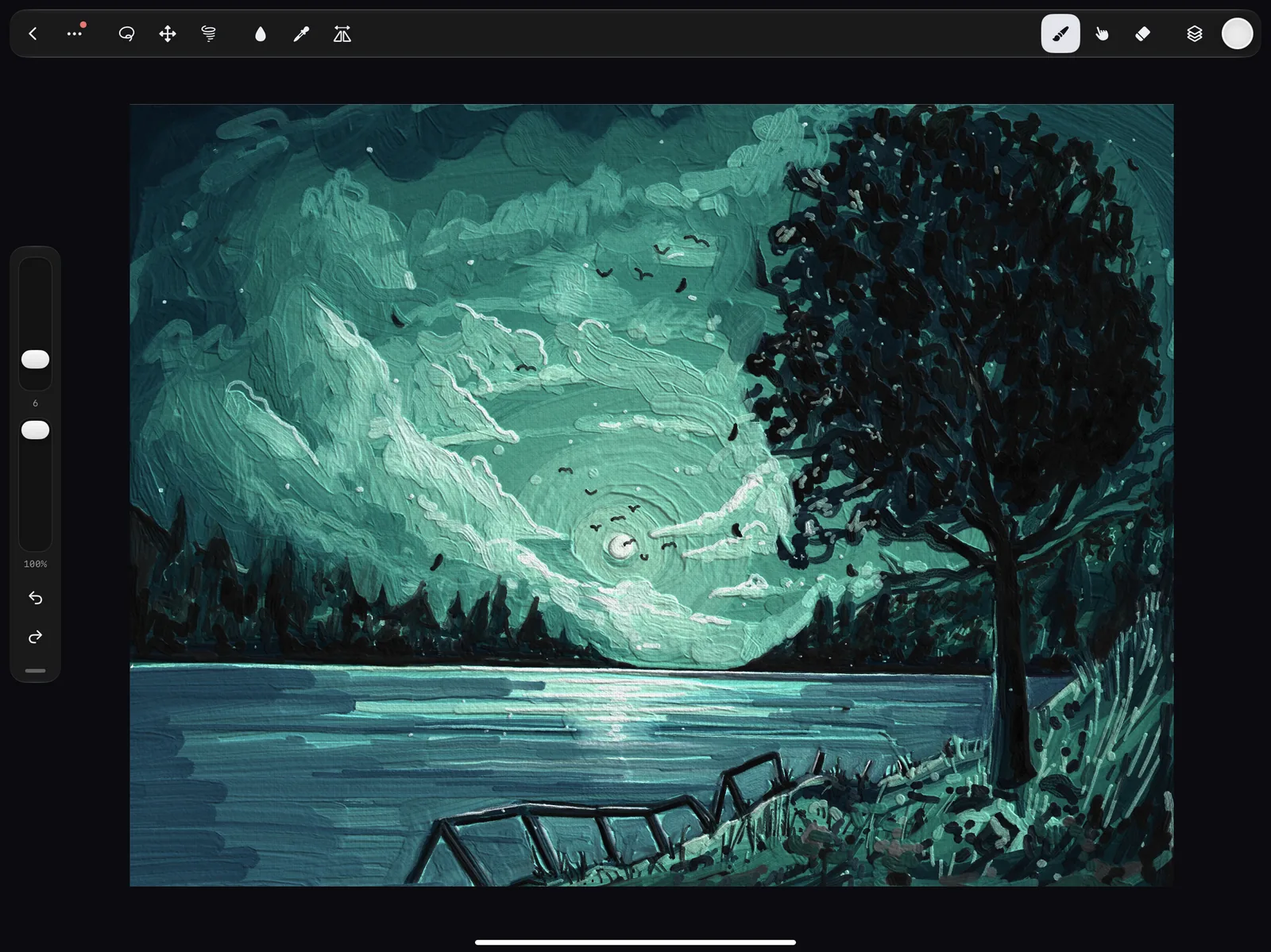
At a glance
| Bristle Canvas | Adobe Fresco | |
|---|---|---|
| Price | Free to paint with every tool. Optional Premium | Free |
| Account | No account needed | Adobe account needed |
| Devices | iPad | iPad, iPhone and Windows |
| Oil and watercolor | Own paint engine: wet oil that mixes and builds a lit relief, watercolor that flows, dries and blooms | Live Brushes for oil and watercolor |
| Vector brushes | No | Yes |
| Strokes that keep moving | Living brushes, 52 kinds of motion, export as a looping video | Not built in |
| Brush from a sentence | Brush Designer | Not built in |
| Procreate brushes (.brush) | Opens them | Not built in |
Checked in November 2026. Apps change, so check the App Store for the latest details.
Where Fresco shines
Fresco is part of the Adobe world: it works on iPad, iPhone and Windows, it has vector brushes for clean, scalable lines, and it fits right in if you already use other Adobe apps.
Where Bristle Canvas is different
- No account: open the app and paint. Your artworks stay on your iPad and in your own iCloud
- Living brushes: strokes keep moving after you lift the Pencil, and you can export the result as a loop
- Brush Designer: describe a brush in one sentence and paint with it
- Your Procreate brushes: open .brush and .brushset files directly
Questions
Is Bristle Canvas or Fresco better for oil painting on iPad?
Both simulate real paint. Bristle Canvas keeps oil wet so colors mix on the canvas and builds a lit relief; Fresco uses Live Brushes. Try both, they are free to paint with.
Do I need an account for Bristle Canvas?
No. There is no account, no ads and no tracking.
Does Bristle Canvas have vector brushes?
No, Bristle Canvas is a raster painting app. If you need vector lines, Fresco is a good choice.
More about Bristle Canvas
Watercolor guideWashes, wet in wet, glazes and blooms: your first watercolor on iPad.Animated drawingsPaint with Living brushes and export a loop for TikTok and Reels.Import Procreate brushesOpen your .brush, .brushset and .procreate files in Bristle Canvas.Chain guideDraw one line and it becomes a gold chain, a rope chain or a zipper.Oil painting guideBlock in, mix wet paint, build up thick strokes: your first oil painting on iPad.Fire and lightning guideFlames that follow your stroke and lightning that branches on its own.