Bristle Canvas / Living brushes
Strokes that keep moving.
With Living brushes, what you paint stays alive. Flames flicker, water ripples, glitter sparkles. No keyframes, no timeline: you paint, and the stroke moves.
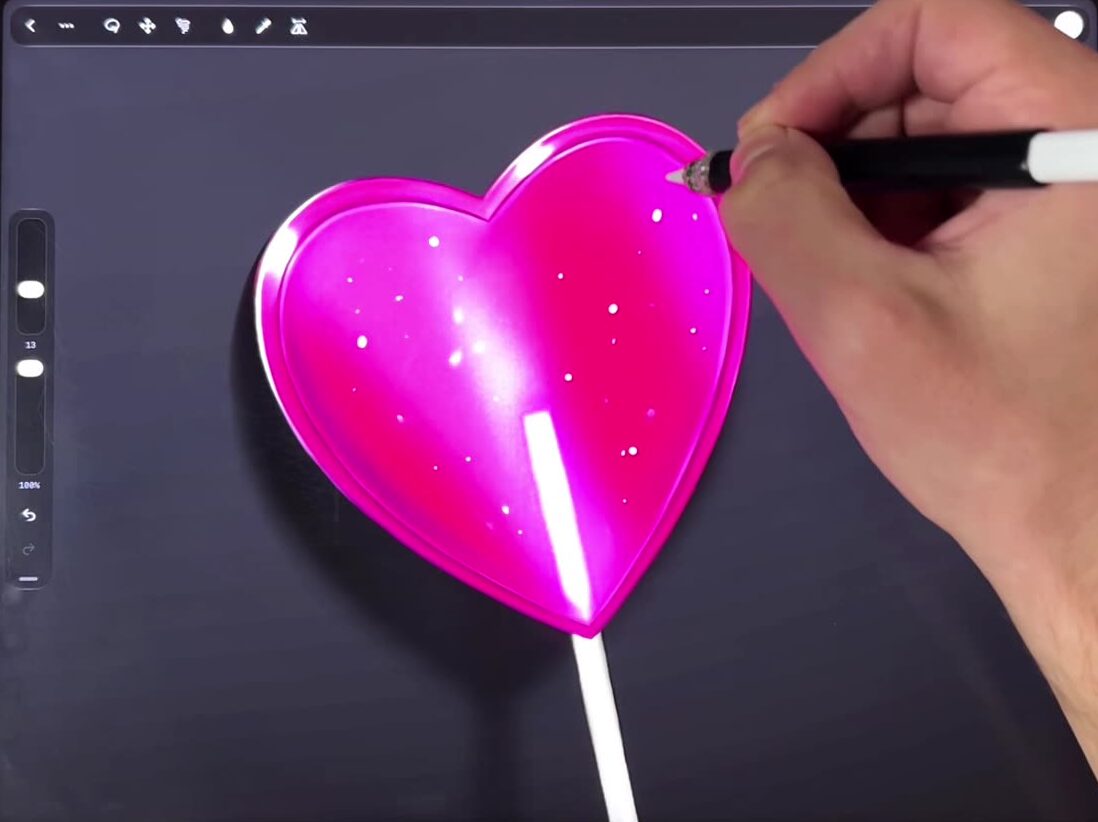
How Living works
Pick a Living brush and paint. The stroke lands on a Living Layer and keeps moving on your canvas. You can change how a Living Layer moves at any time with Edit Motion, right from the layers panel, or freeze it into a still image.
52 kinds of motion
Some effects move the stroke itself, others add something to it:
- RGB Split, Halftone, ASCII, Holo, Hatch and Scanline, where the stroke itself is the effect
- Snow, Rain, Sparkle and Blink
- Wiggles and playful motions
- Flickering flames, rippling water and sparkling glitter
- A pixel look with retro color palettes and 8-bit motions like Sprite Hop and Power-Up
Share it as a loop
Export your artwork as a looping MP4 video or GIF, ready for TikTok, Instagram or a phone wallpaper. Optional CRT and VHS looks give the loop a retro finish.
Free and Premium
You can paint with Living brushes for free. Some Living effects and exports need Bristle Premium.
Questions
Can I make moving or animated brush strokes on iPad?
Yes. Living brushes in Bristle Canvas paint strokes that keep moving after you lift the Pencil, without keyframes.
Can I export a Living painting as a video?
Yes. Bristle Canvas exports Living artworks as a looping MP4 video or GIF.
Can I change the motion later?
Yes. Edit Motion changes how a Living Layer moves at any time.