Bristle Canvas / Fire and lightning guide
How to draw fire and lightning
Fire and lightning are hard to draw by hand: they need glow, the right colors and shapes that look alive. In Bristle Canvas the brushes build them for you while you draw.
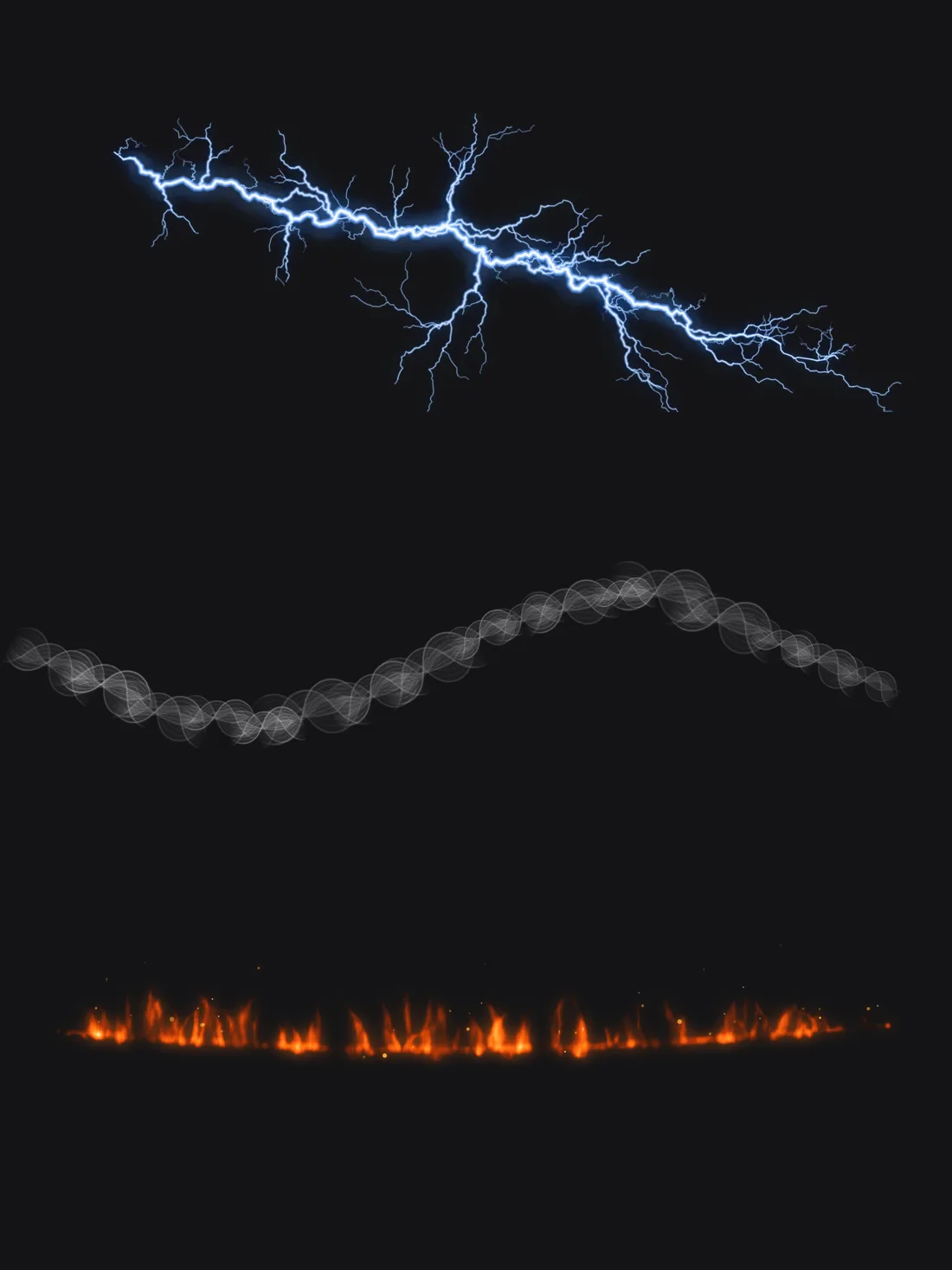
Fire step by step
- Pick a fire brush. Open the brush library and choose a brush from the Fire set.
- Draw where the fire burns. Draw along the edge that should burn, like the bottom of a fireball or the top of a wall. The flames grow out of your stroke and follow it.
- Shape the flames. In the brush settings, change Flame Height, Flame Tongues, Heat and Wind. Wind at 90 makes the flames go straight up.
- Add smoke. Turn up Smoke for a fire with smoke, or pick a smoke brush and paint plumes above the flames.
Lightning step by step
- Pick a lightning brush. Choose a brush from the Lightning set.
- Draw the path. Draw one stroke from the sky down. The bolt follows your line and branches on its own.
- Shape the bolt. Change Branches, Branch Depth, Jaggedness, Core Thickness and Glow. Tap New Bolt for a new shape on the same path.
Tips
- Draw fire and lightning on a dark background, so the glow shines
- Put them on their own layer and try the Screen or Color Dodge blend mode for extra glow
- Paint the light on the things around them too: faces and walls next to fire get warm
- Use Living brushes for fire that keeps flickering in a looping video
Make them move
With Living brushes, flames flicker and sparks keep moving after you lift the Pencil, and you can export a loop for TikTok and Reels. How to make your drawings move.
Questions
How do I draw fire on iPad?
Pick a brush from the Fire set in Bristle Canvas and draw where the fire burns. The flames grow out of your stroke; you can change height, heat and wind.
Is there a lightning brush?
Yes. The Lightning set draws a bolt along your stroke that branches on its own. Tap New Bolt for a new shape.
Are the fire and lightning brushes free?
Yes, they are part of the free painting tools. Some Living effects need Premium.
More about Bristle Canvas
Pixel art guidePixel canvas, Pixel Pen and 8-bit motions: your first sprite on iPad.Glitter and neon guideGlitter, sparkles, neon and gems that follow your stroke.Free drawing appsWhat is really free in the popular iPad drawing apps, compared honestly.Fashion designGarment flats, fabric fills, stitches and tech packs for designing clothes.Webtoon and comicsPanels, speech bubbles and Webtoon export for comics on iPad.GuidesStep-by-step guides and honest comparisons.