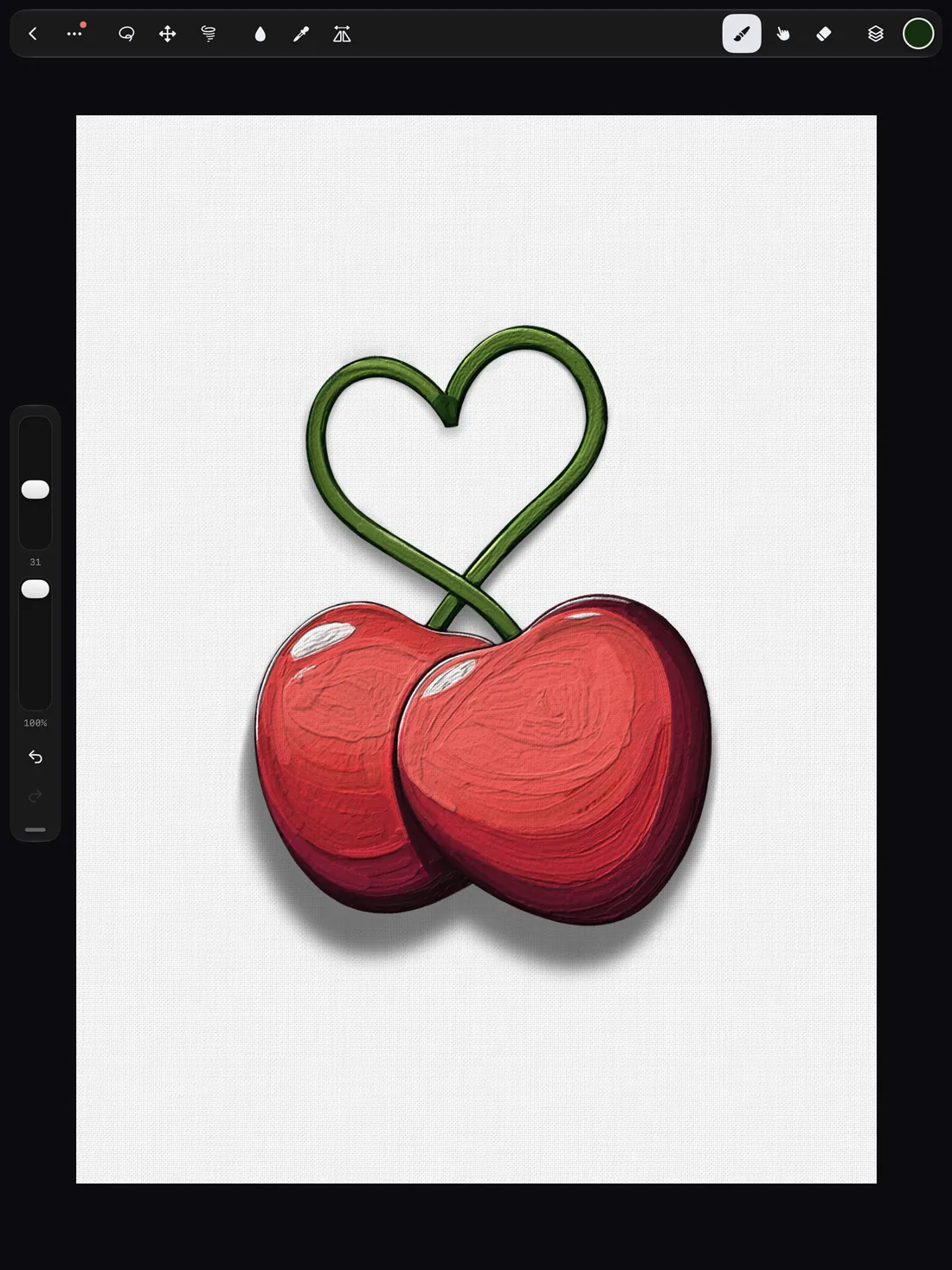
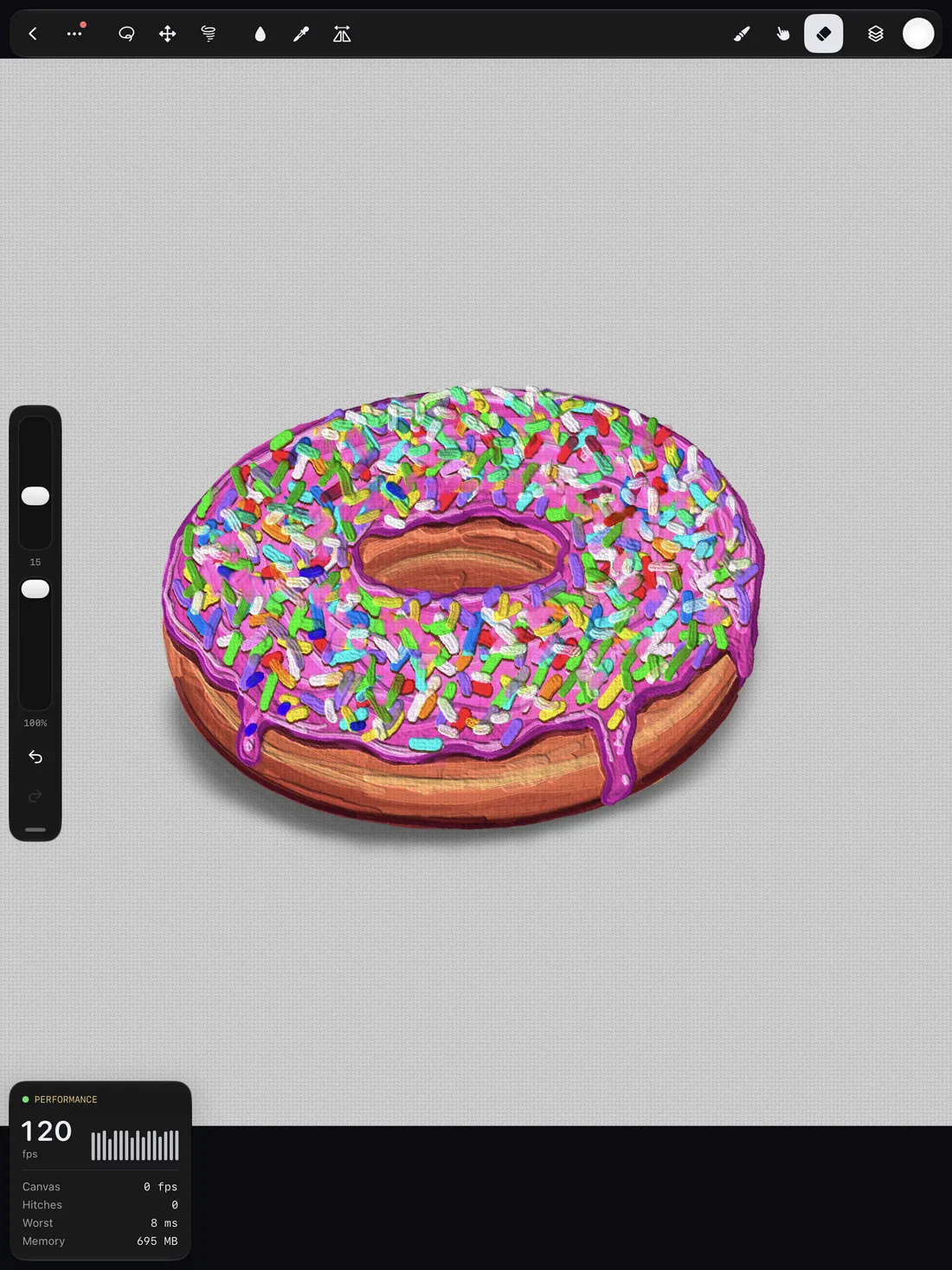
Paint with brushes nobody else has.
Oil that mixes right on the canvas, watercolor that blooms, chains and fire that follow your stroke. And a brush designer that turns one sentence into a brand new brush.
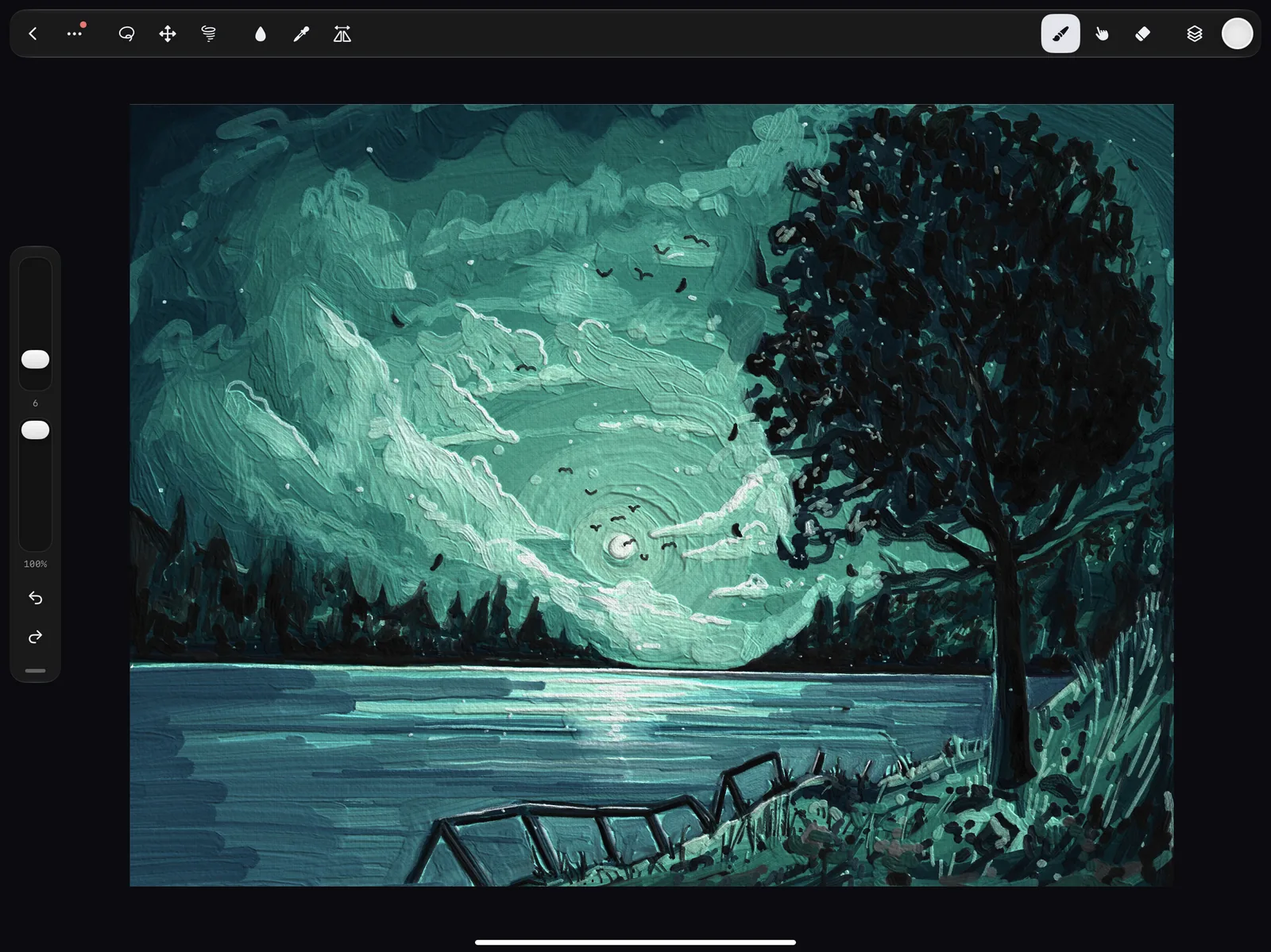
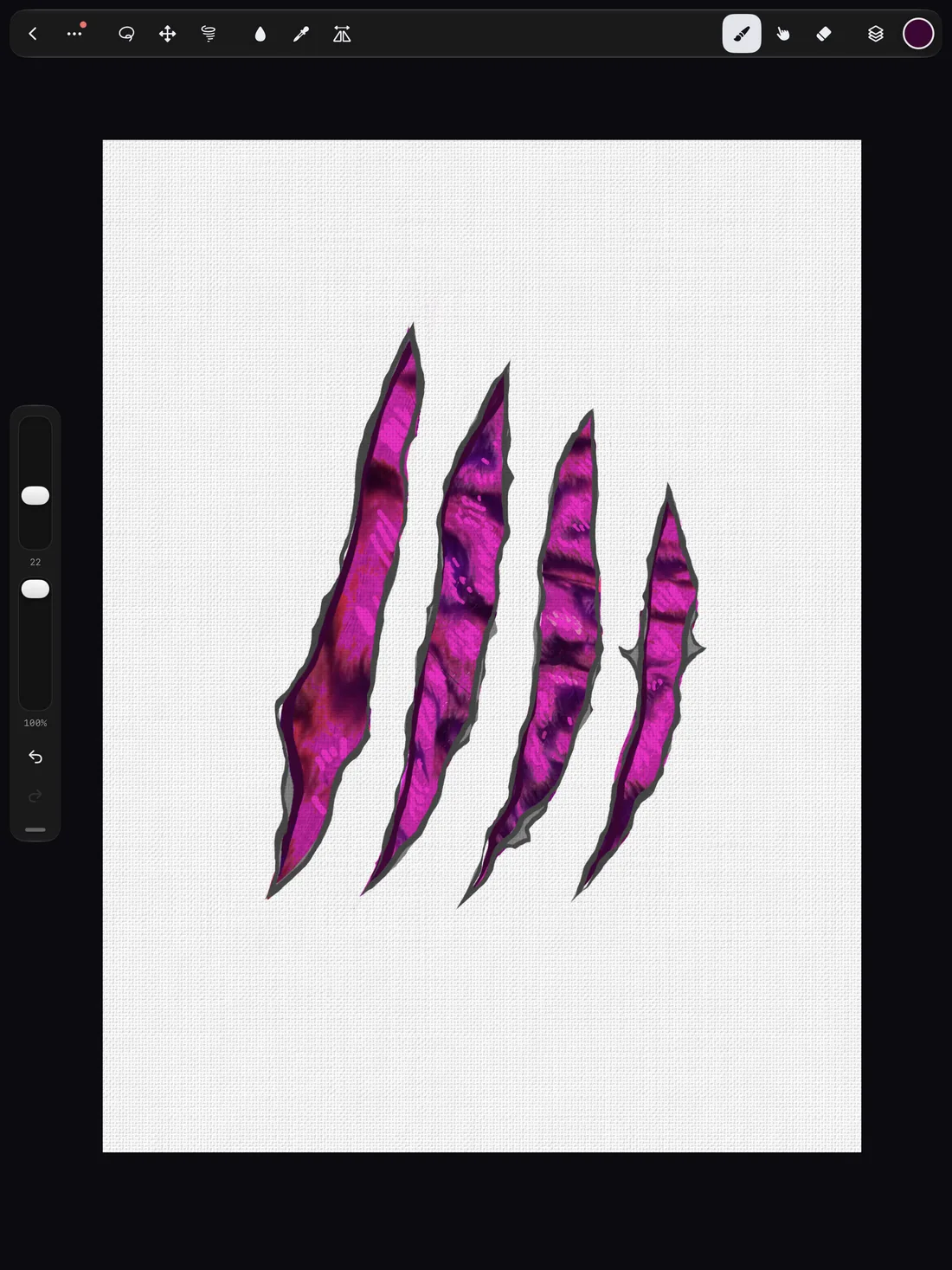
Made with Bristle Canvas
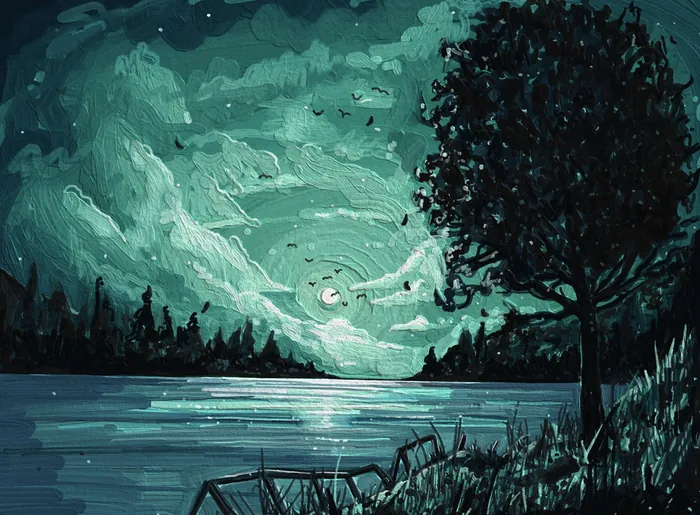
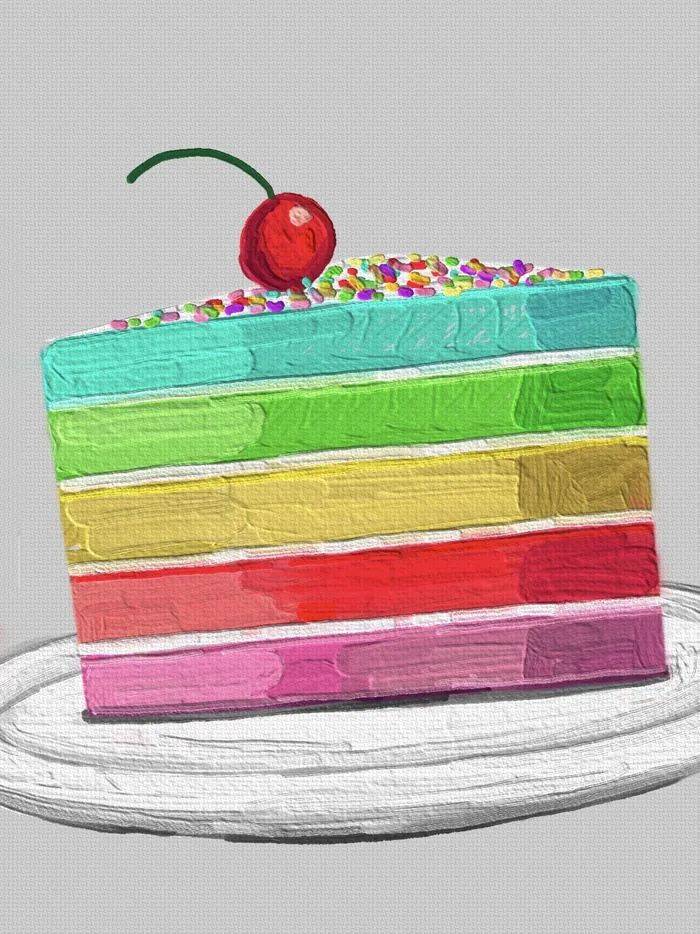
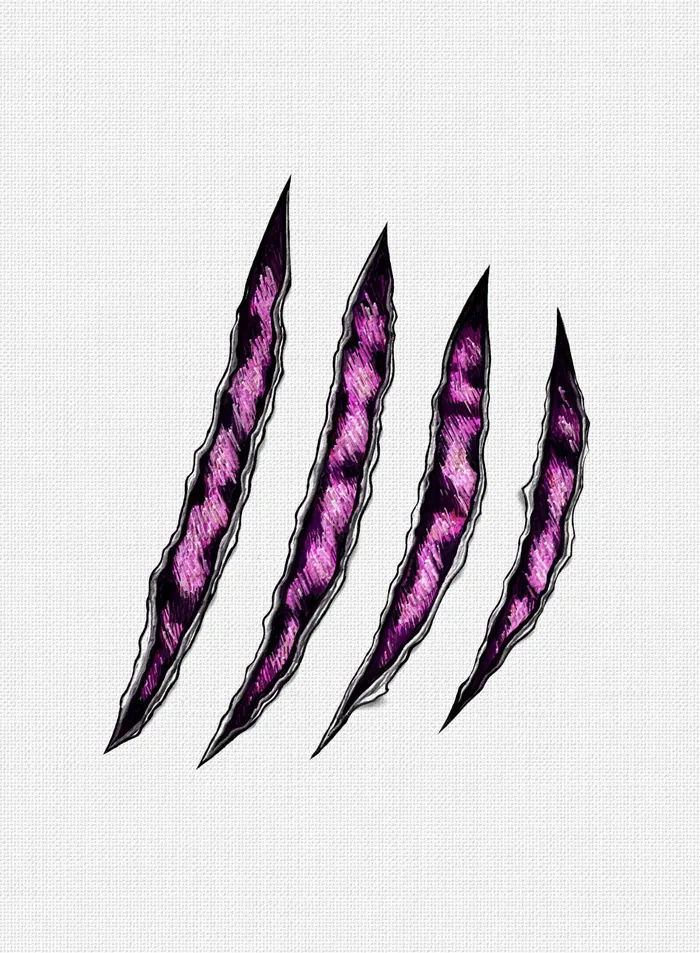
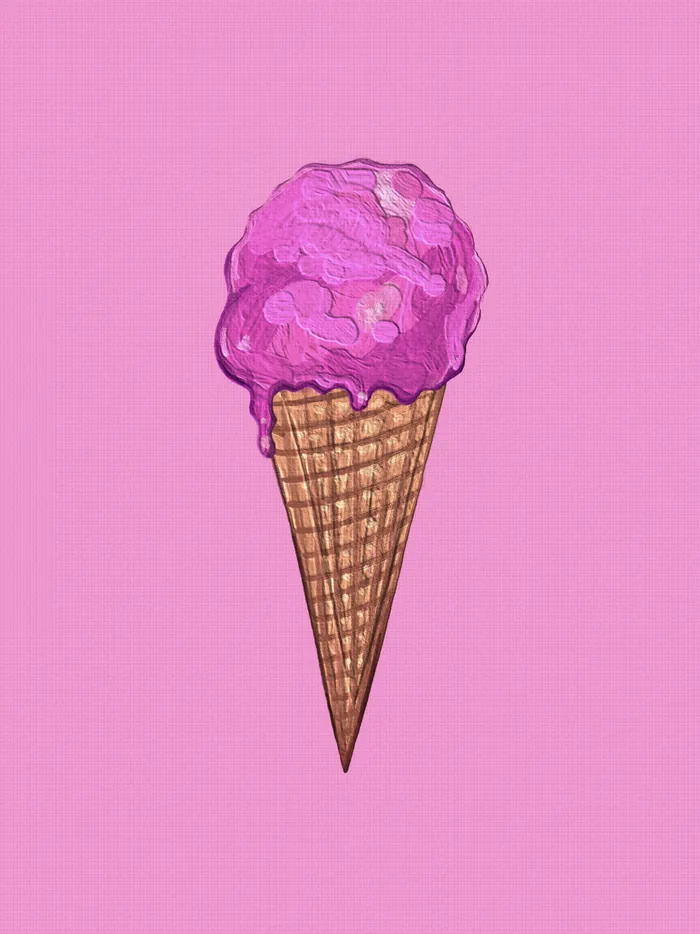
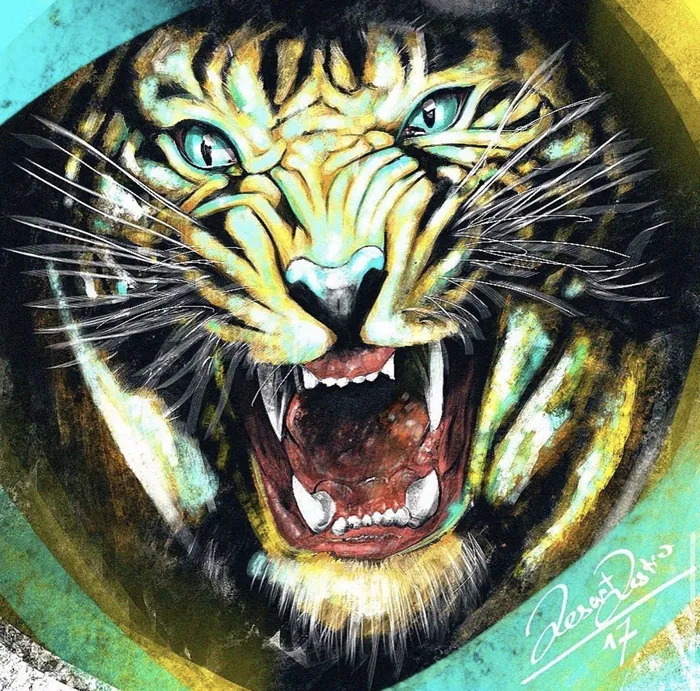
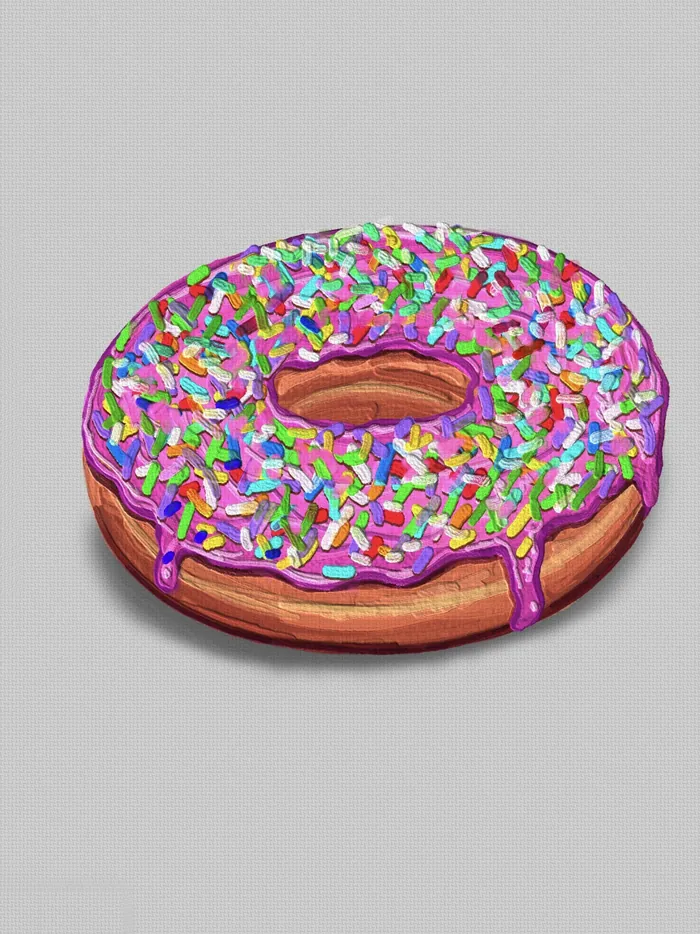
See it live
Real Pencil. Real paint.
No tricks, no filters. This is Bristle Canvas on iPad, painted live with Apple Pencil.
Paint that feels real
Wet paint. Real texture.
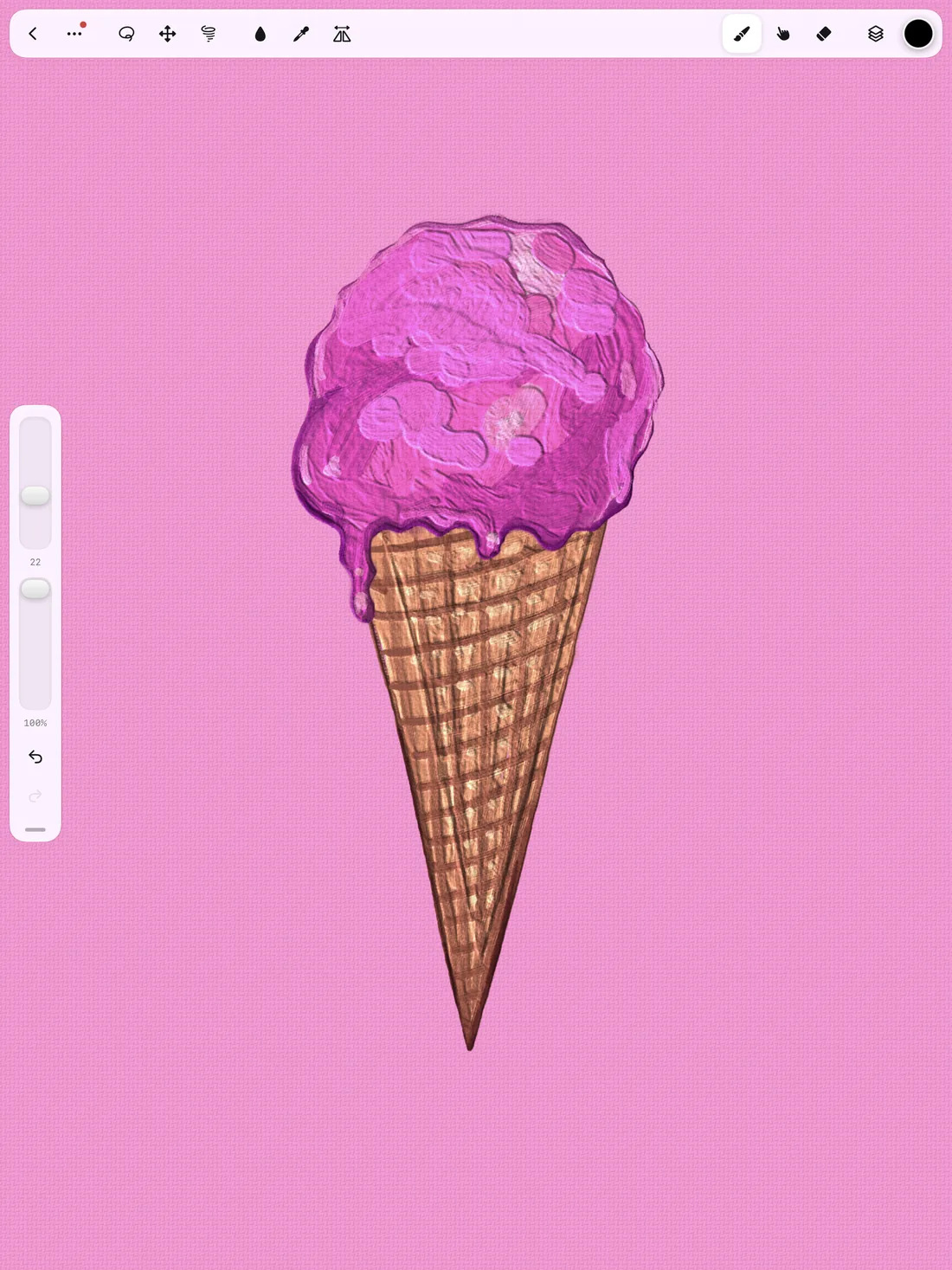
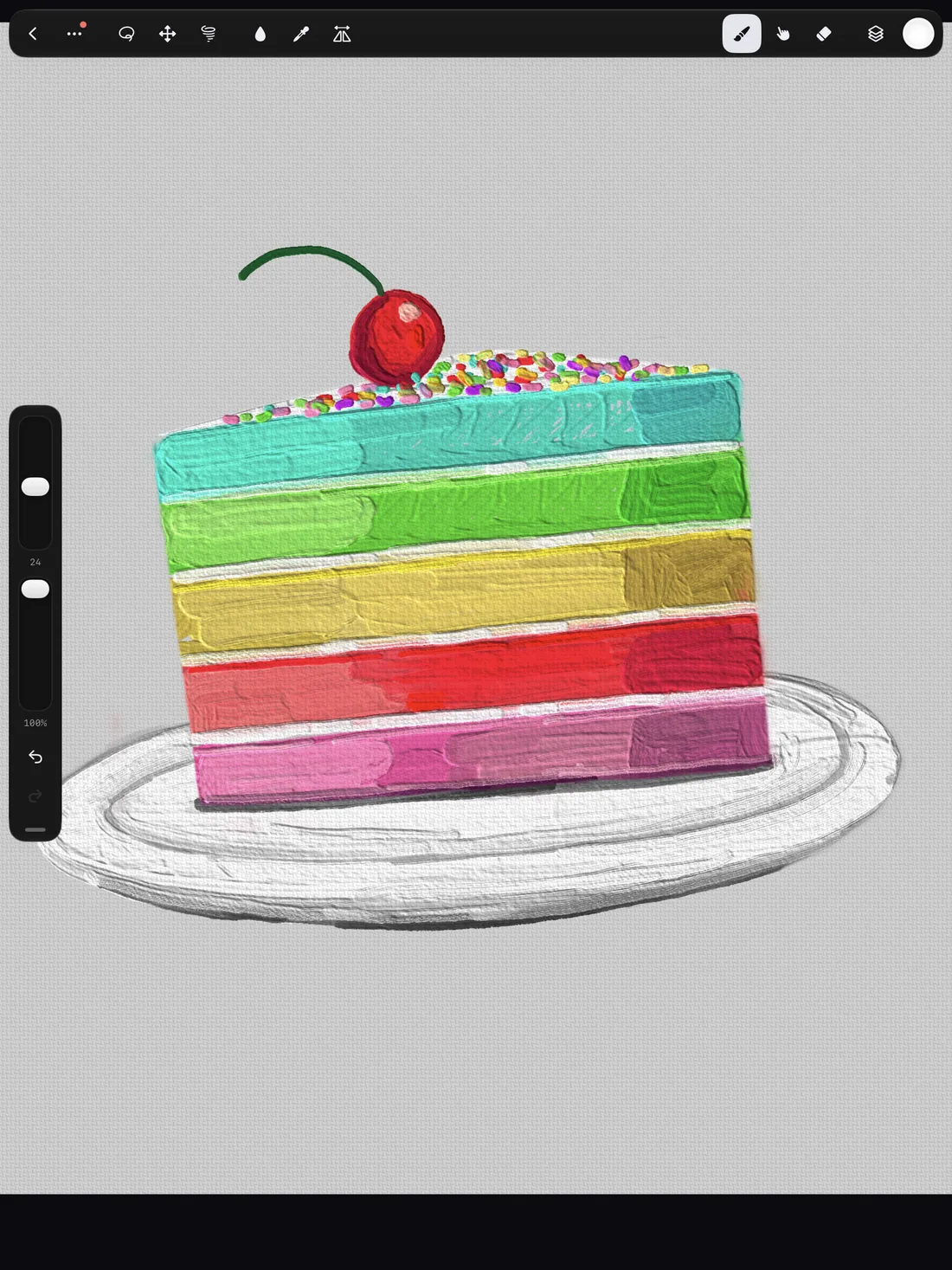
Bristle has its own paint engine. Colors mix where they meet, thick strokes build up a relief that catches the light, and paper grain shows through your washes.
- Oil mixes on the canvas and stays wet while you work.
- Palette knife pushes and scrapes thick paint.
- Watercolor with glazes, darker drying edges and blooms.
- Wet in wet washes that bleed softly into each other.
- Pencil, charcoal and pastel that react to pressure and tilt.
Brushes that do more
Chains, fire, lightning.
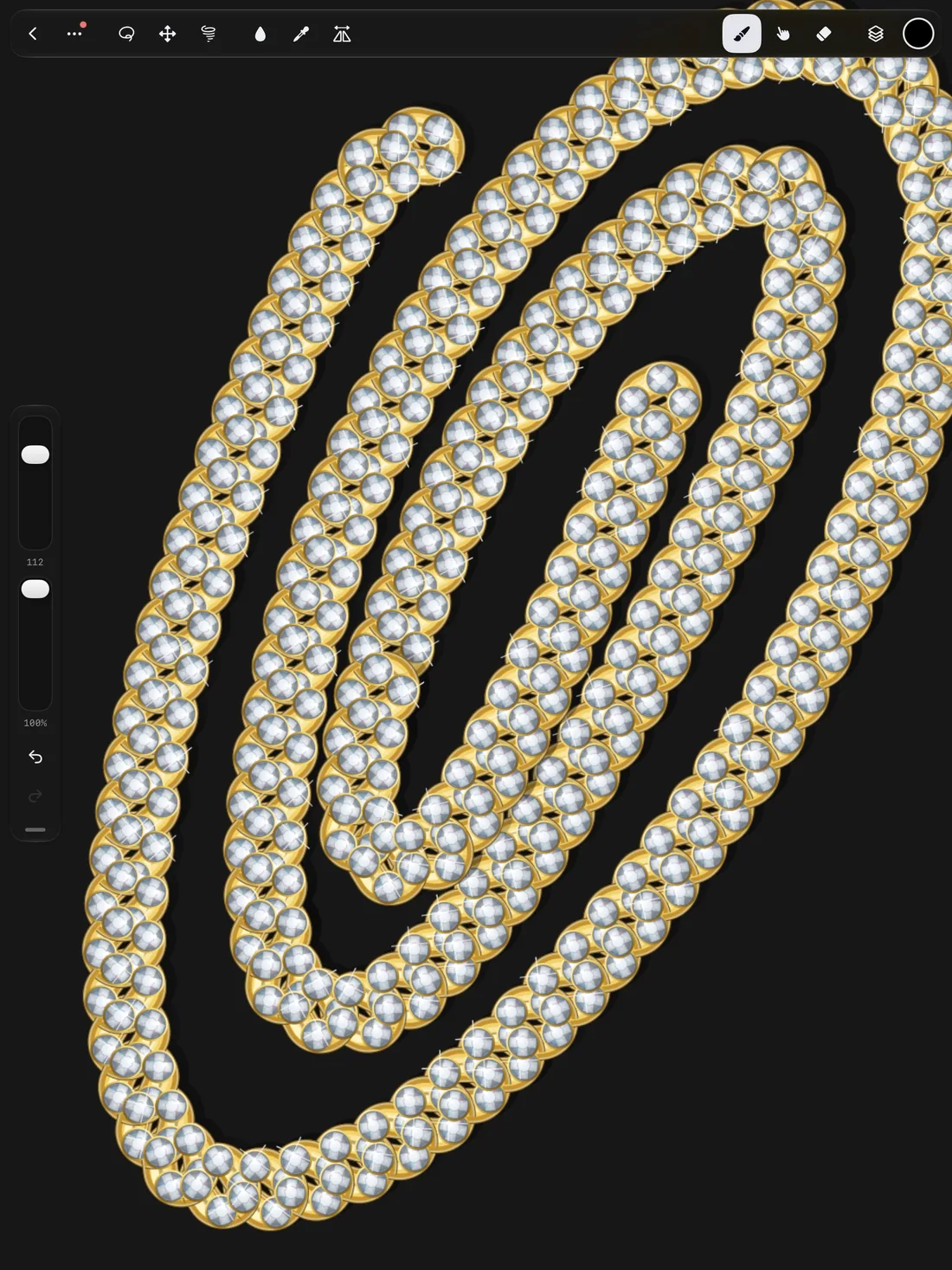
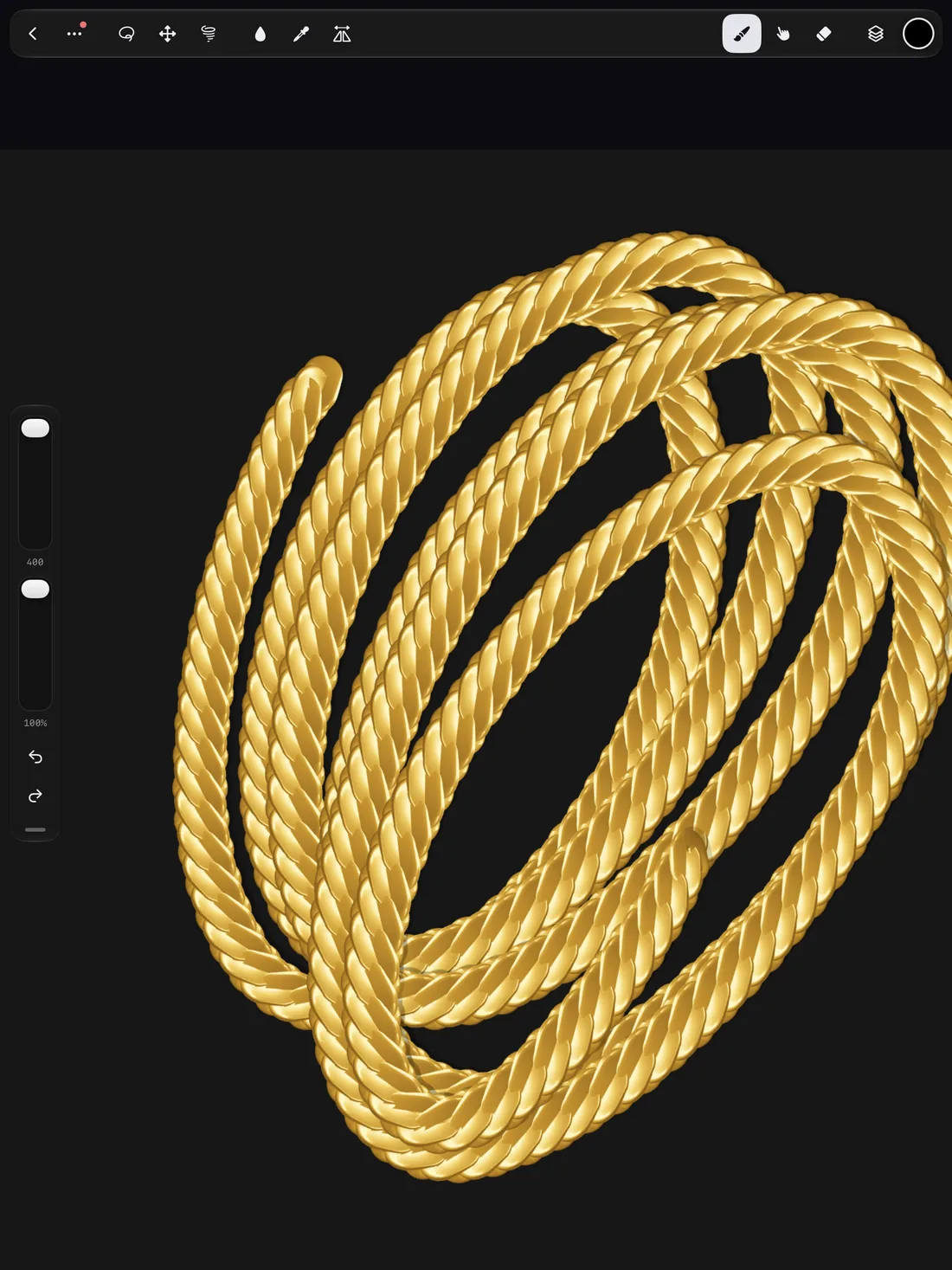
Draw a line and it becomes a gold rope chain, a row of diamonds, a wall of flames or a fork of lightning. Some strokes even keep moving after you lift the pencil.
- Chains and stickers that link up along your stroke.
- Fire, drips, clouds and glitter as real brush tips.
- Living strokes: flames flicker, water ripples, sparks glow.
- Brush Studio to fine-tune shape, grain, pressure and tilt.
Brush Designer
Describe it. Paint with it.
Type what you imagine and get three versions of your brush in under a minute. Tweak it, save it, and your library grows with every idea.
- One sentence is all it takes.
- Remix any brush into something new.
- Import your .brush and .brushset files.
A complete studio
Everything you need, nothing in the way.
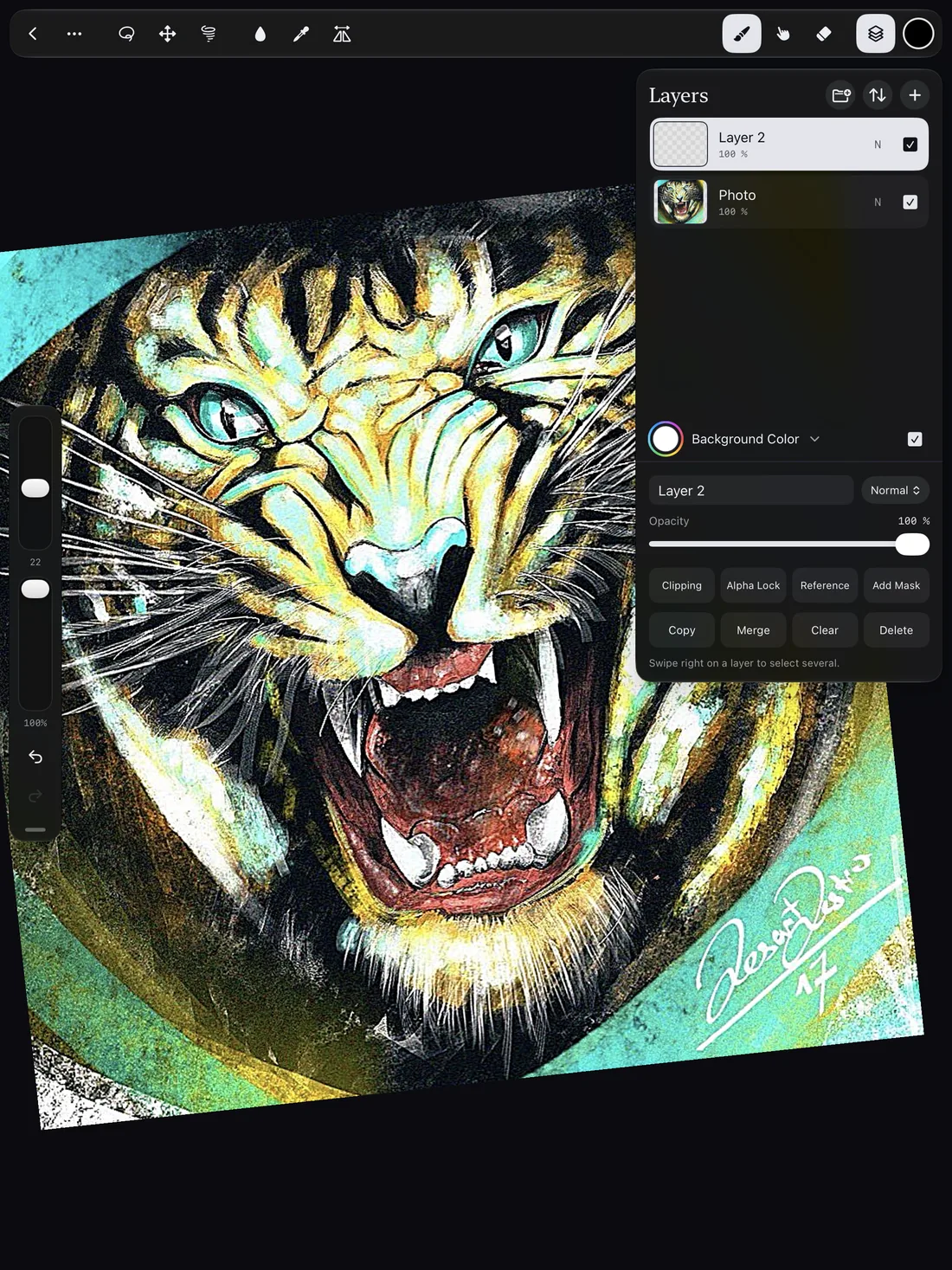
Layers, masks and blend modes. Selection, transform and liquify. Symmetry, guides and a reference window. All of it tucked away until you need it, so your art gets the whole screen.
- Quick Fill: drag a color onto your art to fill it.
- Snap Shape: hold at the end of a stroke for a clean line or circle.
- Animation frame by frame, with onion skin and sound.
Coming in 1.1 · Fashion Studio
From sketch to drop.
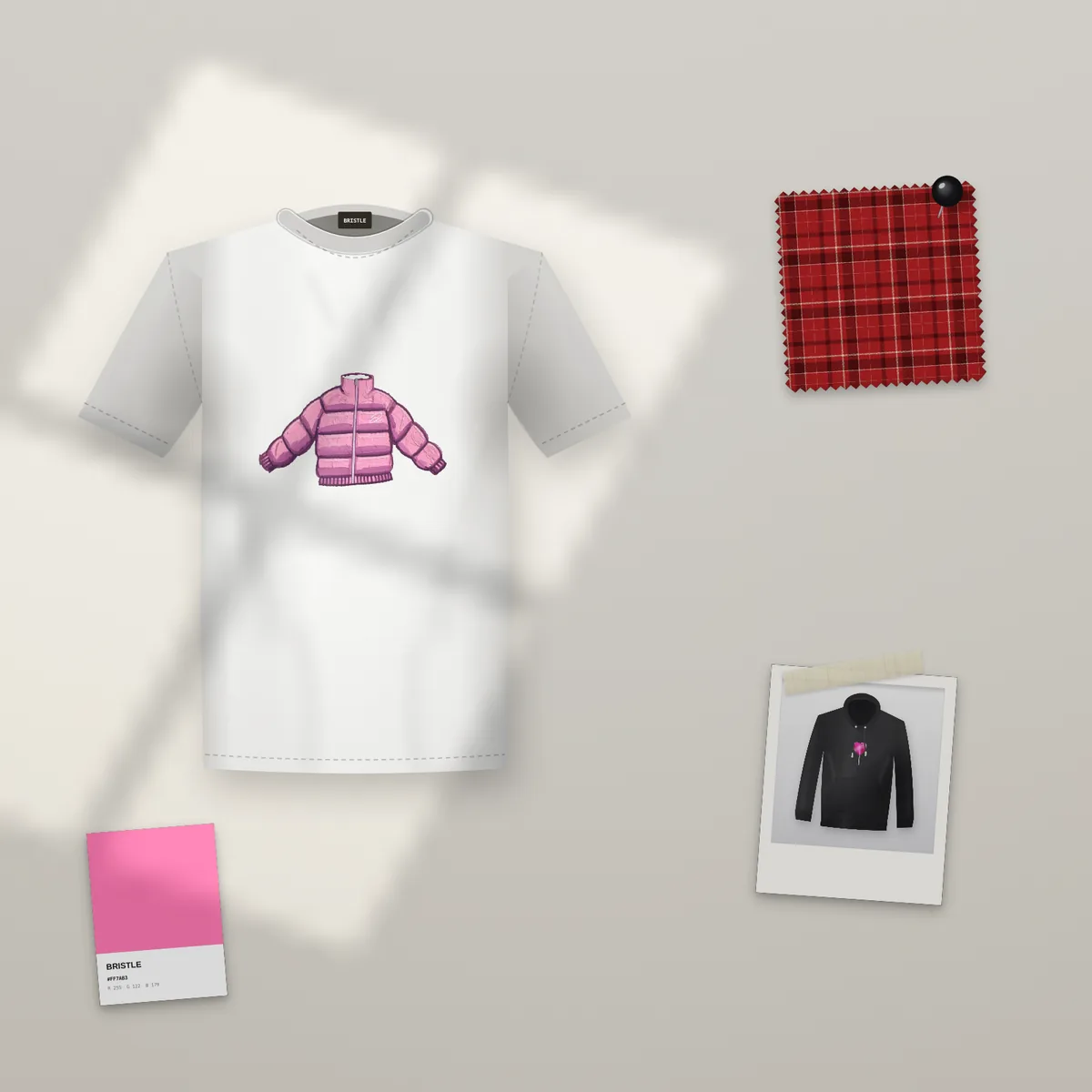
Paint a design and see it on a tee, a hoodie or a tote in seconds, lit like a real product shoot. Then plan the whole collection without leaving the app.
- Mockups for tees, hoodies, totes, posters and more, in square, 4:5 and 9:16.
- Fabric from a sentence: describe a fabric and fill your art with it.
- Moodboard kit with tape, pins and swatches, plus tech pack and line sheet PDFs.
- Drop reel: a short video of your collection for social media.
Art of the Day
New inspiration, every single day.
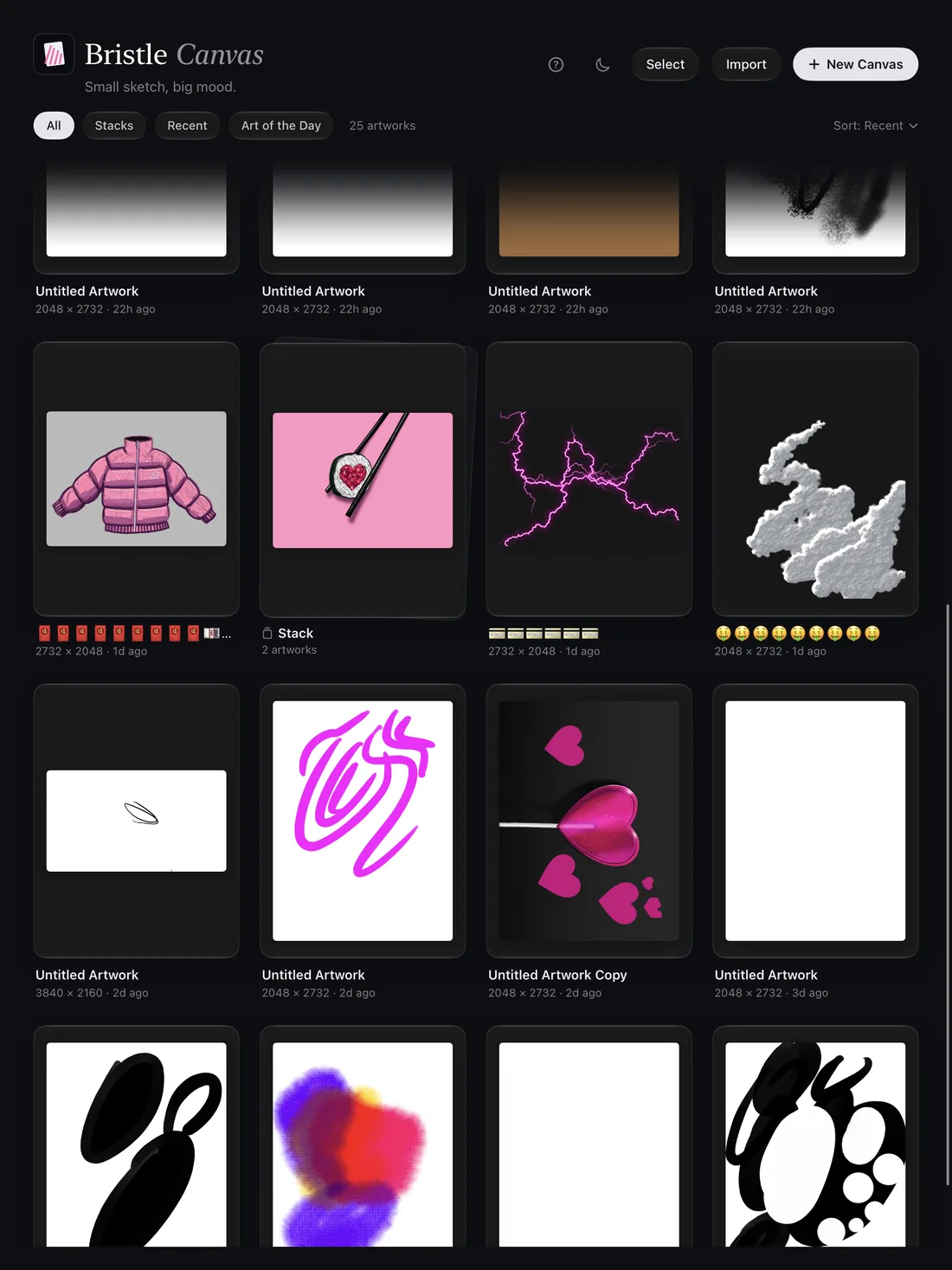
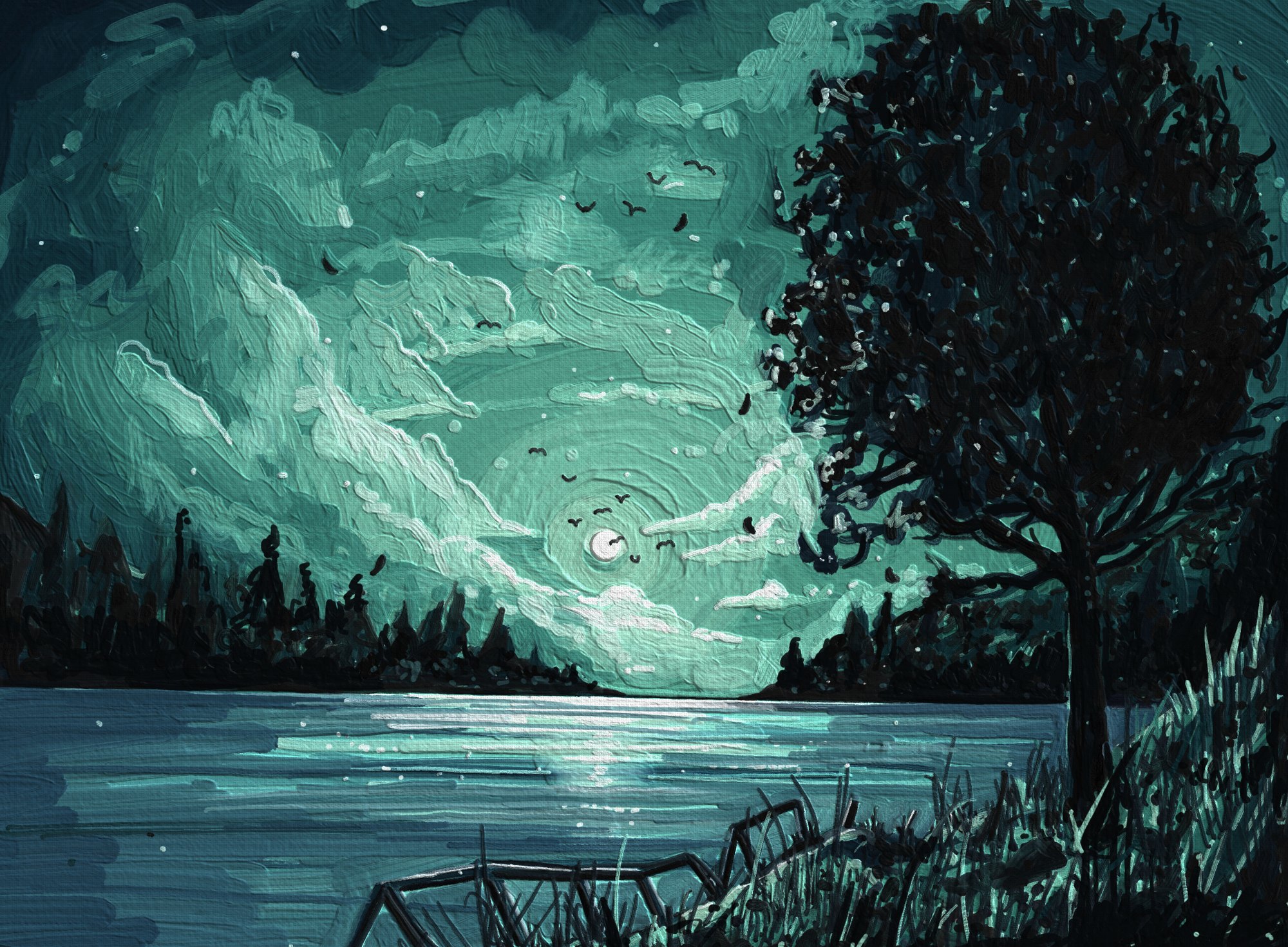
Every day the gallery shows a new artwork painted in Bristle Canvas. This is today's.
Why Bristle exists
“I'm an artist. I built Bristle Canvas because I wanted brushes nobody else has. Now they're yours too.”
@desartdestro
Thoughtful details
Made for iPad and Apple Pencil.
Pressure, tilt, hover
Apple Pencil Pro: squeeze for a tool palette, roll to rotate the brush tip.
Timelapse
Every artwork records itself. Export it for Reels and TikTok in one tap.
PSD & layered export
PNG, JPG, PSD, GIF and video. Open .procreate files too.
iCloud Backup
Artworks, brushes and palettes come back on any iPad.
Keyboard shortcuts
Full shortcut set for Magic Keyboard.
20 languages
From Arabic to Vietnamese, with right-to-left layout for Arabic.
Your art stays yours
No account. No ads. No tracking.
Your artworks live on your iPad and in your own iCloud. We never see them.
Pricing
Free to paint. Premium to go further.
Every painting tool is free, forever. Premium is for when you want more brush designs and pro exports.
Free
Everything you need to paint
- All painting tools, layers and brushes
- Oil, watercolor, wet in wet and palette knife
- A few brush designs every month
- Export, timelapse and iCloud Backup
Premium
Monthly, or yearly with a free first week
- Many more brush designs every month
- Remix and more ideas per brush
- 4K exports signed with your name
- Your own brushes on every iPad
Prices are shown in the App Store in your local currency. Subscriptions renew until you cancel in Settings.
Questions
Good to know.
Which iPads does it run on?
Bristle Canvas needs iPadOS 18 or later. It works on any iPad that runs it and feels best with Apple Pencil and a ProMotion display.
Which Apple Pencil do I need?
Any Apple Pencil works, and you can paint with your finger too. Pressure and tilt need a pressure-sensitive Pencil; squeeze and barrel roll need Apple Pencil Pro.
Can I use my Procreate brushes?
Yes. Open a .brush or .brushset file with Bristle Canvas and the brushes land in your library. You can open .procreate and PSD files as well.
Do I need an account or internet?
No account, no sign-up. Painting works offline. Only the Brush Designer and Art of the Day need a connection.
Is it really free?
Yes. Painting with every tool is free. Premium adds more brush designs, Remix, 4K exports and your brushes on all your iPads.
Where do I get help?
Visit the support page or write to [email protected]. Every message is read by a human.