Brush Library › Smoke Brushes
Smoke that curls up from your line
Smoke should feel weightless, and that is hard to fake with a soft round brush. These brushes build wisps that rise, twist and thin out, from a single thread of incense to a thick, rolling plume.

Build this brush for ProcreateOpens Bristle Studio in your browser with this brush already described.
Brushes in this set
- Soft SmokeA gentle, all-round plume
- Incense WispsThin threads that rise and curl
- Thick SmokeDense, heavy smoke
- Smoke TrailSmoke that follows your stroke and fades out
- Cigarette SmokeFine threads that rise high and twist
- SteamLight steam for coffee, soup or hot streets
- Windblown SmokeSmoke carried off to the side
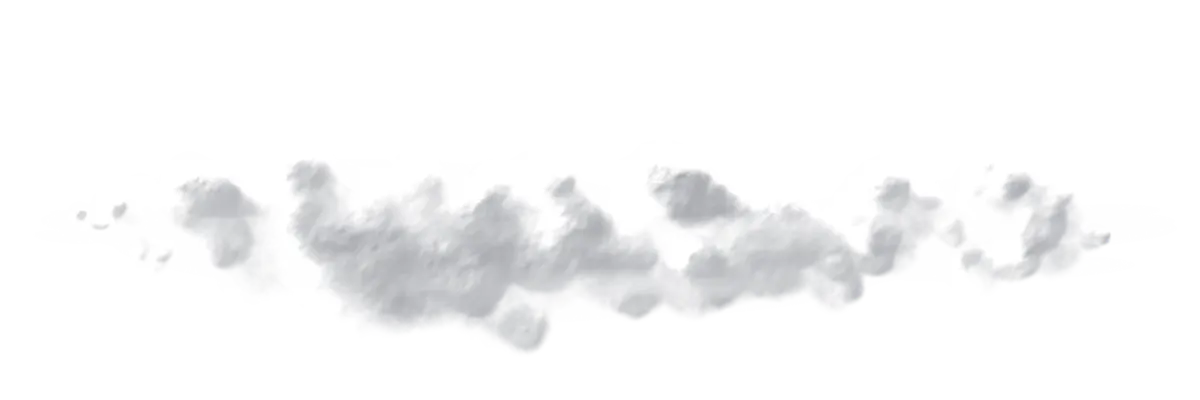
- Low FogA flat bank of fog that hugs the line
- Smoke BurstA short, dense cloud like after a blast
- Smoke RingsRings that rise and widen
- Color Shift SmokeSmoke whose color shifts through the plume
- Smoke Fade (Eraser)Erases in soft, smoky wisps
How the smoke is built
The Smoke set runs on the same engine as the fire brushes. Wisps rise from your stroke, curl, spread out and get thinner as they climb, so the smoke is dense where it starts and fades into the air. A moment after you stop drawing it settles and stays.
The set has 14 brushes, from Incense Wisps and Steam to Chimney Plume, Ghost Wisps and Smoke Rings. For a flatter, illustrated look, the Smoke & Haze sticker set adds Smoke Ribbon, Smoke Puffs and Smoke Curl.
How to paint smoke
- Draw where the smoke starts: the tip of a candle, the end of a cigarette, the top of a chimney, the rim of a cup.
- Use a light gray or white on a darker background. For colored smoke bombs, pick Color Shift Smoke and a strong color.
- In Brush Studio, change Smoke Height, Swirl, Plumes, Density and Color Shift.
- Lower the layer opacity so the background shows through the thin parts.
Smoke Fade (Eraser) is meant for the Erase tool: choose it there, and the area you erase dissolves in smoky wisps instead of a hard edge. Great for fading a character into mist.
Make your own smoke brush
Describe the smoke you see in your head and the Brush Designer builds it:
- “purple smoke bomb trail”
- “thin steam rising from hot coffee”
- “heavy black smoke from a burning car”
Questions
How do I draw smoke on iPad?
Pick a brush from the Smoke set in Bristle Canvas and draw where the smoke starts. The wisps rise and curl on their own; Smoke Height and Swirl in Brush Studio change their shape.
Can I erase in a smoke shape?
Yes. Choose Smoke Fade (Eraser) for the Erase tool, and the erased area fades out in soft wisps.
Can I paint fire with smoke on top?
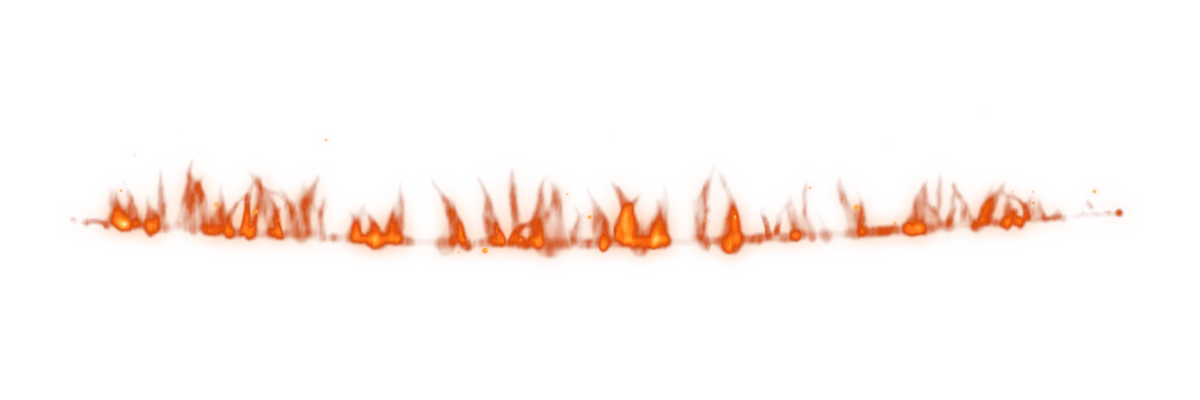
Yes. Smoky Fire and Campfire in the Fire set already have smoke, and every fire brush has a Smoke slider.
Are the smoke brushes free?
Yes, the smoke brushes are part of the free painting tools.