Brush Library › Cloud Brushes
Cloud brushes from cumulus to cartoon
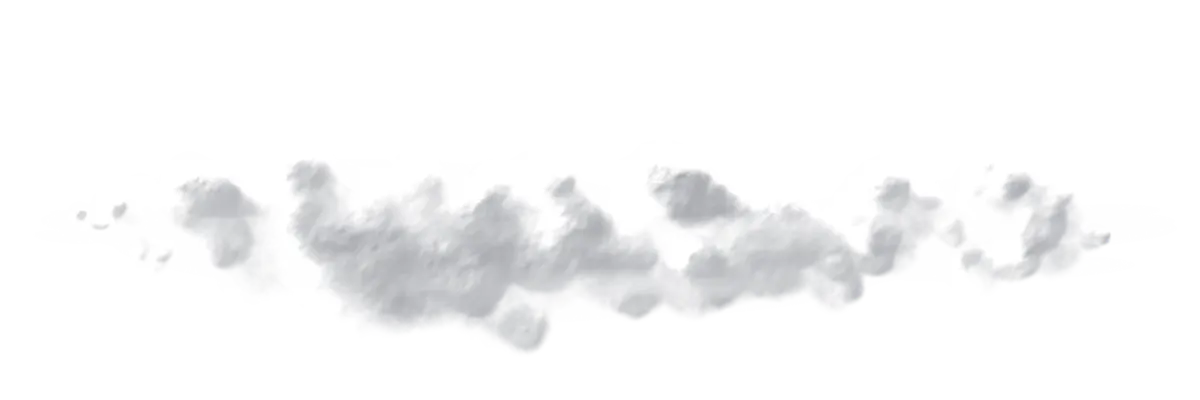
Clouds look easy until you paint them. These brushes pile up puffs along your stroke and shade the whole mass as one cloud, with light on top and soft shadow underneath.
Build this brush for ProcreateOpens Bristle Studio in your browser with this brush already described.
Brushes in this set
- Realistic CumulusA soft, lumpy summer cloud
- Summer SkyLight, airy clouds that build up gently
- Cloud BankA long cloud with a flat base
- Rain CloudA heavy, gray rain cloud
- Storm CloudA dark, rough storm cloud
- Storm FrontA wide wall of storm clouds
- ThunderstormA storm cloud with flashes inside
- Wispy CirrusThin streaks high in the sky
- Fog & MistSoft, see-through mist
- Anime CloudCrisp anime clouds with a flat base
- Cartoon CloudRound cartoon clouds with clean edges
- Puffy Y2K CloudBubbly, glossy Y2K clouds
Two kinds of cloud painting
Every brush in the Clouds set lays puffs along your stroke and then shades the whole mass as one cloud. Soft, lumpy brushes like Realistic Cumulus grow cauliflower edges and shade themselves, with denser parts darker underneath. Hard-edged brushes like Anime Cloud, Cartoon Cloud and Puffy Y2K Cloud paint in clean shapes of shadow, body and light, optionally with an outline.
The part you have already drawn stays where it is while you keep going, so you can build a long cloud bank in one stroke. Brushes with a flat base cut everything below your line, like real clouds sitting on a layer of warmer air.
How to paint clouds
- Open the Clouds chip in the brush library.
- Draw the outline of the cloud, usually along its bottom edge, and let it billow up.
- Pick the color of the light: white at noon, peach or pink at sunset, gray-blue for a storm.
- In Brush Studio, change Edge Hardness, Shading, Lumpiness / Billow Detail, Puffiness, Wisps, Light Direction, Flat Base, Lightning Inside and Outline. Tap New Cloud for a fresh shape.
Paint the far clouds smaller and paler, the near ones bigger and brighter. Set Light Direction to match the sun in your scene so every cloud is lit from the same side.
Make your own cloud brush
Describe the sky in one sentence and the Brush Designer builds three versions:
- “pink sunset clouds, soft and glowing”
- “Ghibli style summer clouds with crisp edges”
- “dark storm clouds with lightning inside”
Questions
Is there a cloud brush for iPad?
Yes. Bristle Canvas has 13 cloud brushes, from Realistic Cumulus and Storm Front to Anime Cloud and Puffy Y2K Cloud. They are free.
How do I paint anime clouds?
Use Anime Cloud. It paints crisp shapes with a flat base. Draw the bottom edge of the cloud from left to right and use a slightly blue-white color on a blue sky.
Can a cloud have lightning in it?
Yes. Thunderstorm has flashes built in, and every cloud brush has a Lightning Inside slider in Brush Studio.
Are the cloud brushes free?
Yes, all cloud brushes are part of the free painting tools.