Brush Library › Fire Brushes
Fire brushes that burn while you draw
Fire is hard to paint by hand: it needs glow, heat and shapes that look alive. In Bristle Canvas the flames grow out of your stroke and keep flickering while your Pencil moves, then settle into a still image a moment after you stop.
Build this brush for ProcreateOpens Bristle Studio in your browser with this brush already described.
Brushes in this set
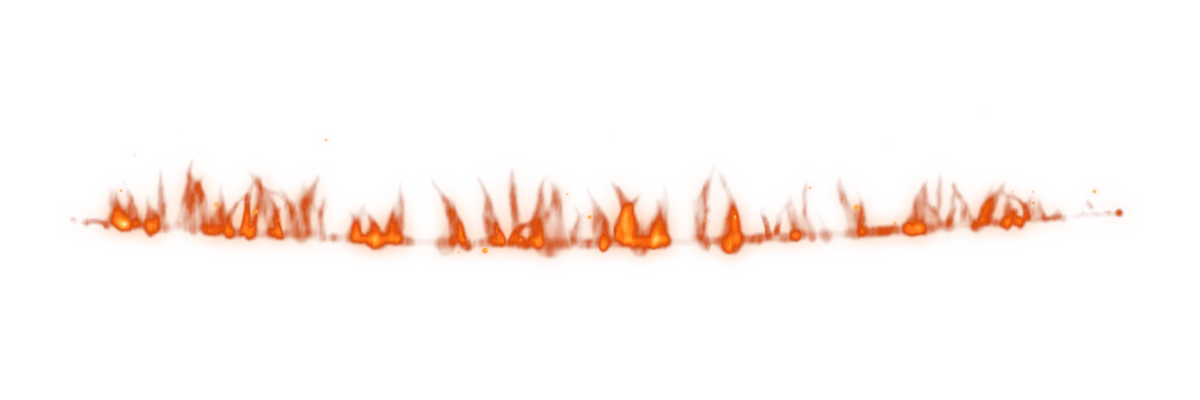
- Flame LineThin flame tongues along your stroke
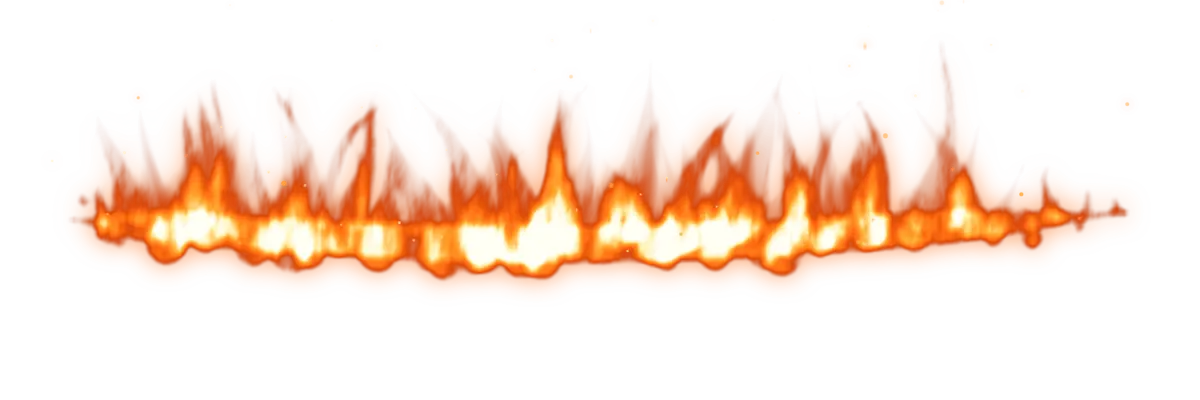
- Wall of FireA tall, dense row of flames
- Soft FlamesCalm, rounded flames
- Embers & SparksGlowing sparks that float upward
- Smoky FireFlames with smoke rising above them
- CampfireA hot fire with embers and a little smoke
- Comet FireFire that streams back like a comet tail
- Flame TrailCartoon flames placed along the line
- Magic FlamesGlowing flames in your brush color
- Hot-Rod FlamesClassic hot-rod flame decals
- Candle FlameA single candle flame
- Big FireOne big cartoon fire
A fire engine, not a picture of fire
The brushes in the Fire set set your stroke on fire. Flame tongues rise from the line, thin glowing threads curl off, sparks drift upward, and the colors run from smoky edges through your brush color to a white-hot core. While you draw, the fire is alive: it flickers and new flames catch. About half a second after you stop moving the Pencil, it settles, and that frame stays on your canvas.
For a flat, graphic look, use the sticker flames from the Fire & Neon set.
How to paint fire
- Open the brush library and tap the Fire chip.
- Draw along the edge that burns, like the top of a wall or the blade of a sword. Press harder for bigger flames.
- Your brush color sets the middle of the flame. Orange gives classic fire, light blue a gas flame, green magic fire.
- In Brush Studio, the Fire section has Flame Height, Flicker, Flame Tongues, Embers, Heat, Fireball, Smoke and Wind (90 = straight up). Tap New Fire for a fresh shape.
Fire glows best on a dark background. Try the Screen or Color Dodge blend mode for extra light.
Make your own fire brush
Tell the Brush Designer what kind of fire you need, in one sentence:
- “blue gas flame with a white-hot core”
- “green magic fire with lots of sparks”
- “flames blowing sideways in strong wind”
Questions
Is there a fire brush for Procreate?
Bristle Canvas has fire brushes built in, free on iPad. The flames are generated live along your stroke, so they only work inside Bristle Canvas. Your Procreate brushes can come along: Bristle Canvas opens .brush files.
How do I draw a wall of fire?
Pick Wall of Fire and draw one line along the ground. Raise Flame Height in Brush Studio for taller flames, and change Wind to make them lean.
Does the fire keep moving after I draw?
The fire brushes flicker while you draw and then settle into a still picture. For artwork that keeps moving in a loop, use Living brushes such as Lava Crust or Heat Haze.
Are the fire brushes free?
Yes, all fire brushes are part of the free painting tools.