Brush Library › Glitter & Sparkle Brushes
Glitter and sparkles without placing every star
A few glints make metal shine and eyes come alive, and a trail of glitter makes a whole drawing pop. These brushes spread sparkles along your stroke in different sizes, so you never place them one by one.
Build this brush for ProcreateOpens Bristle Studio in your browser with this brush already described.
Brushes in this set
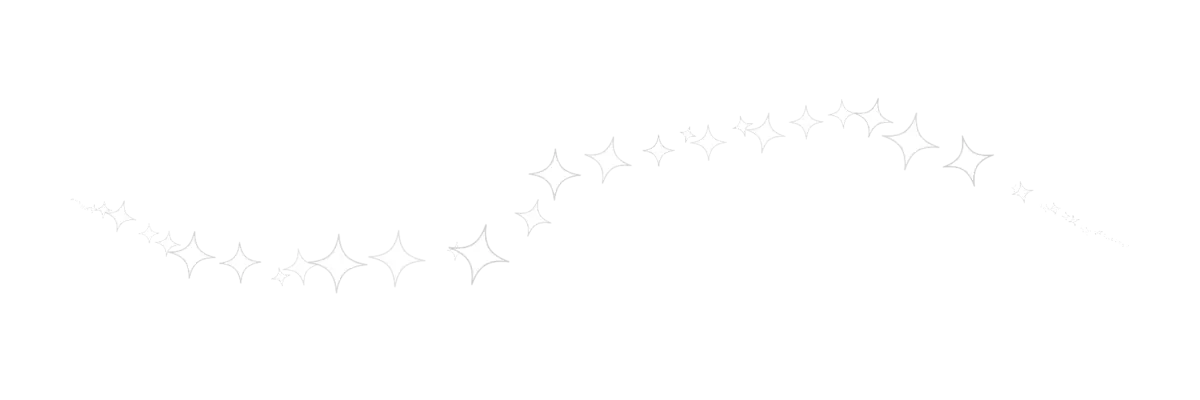
- Sparkle TrailFour-point stars of mixed sizes along the line
- Star Glint TrailLong, sharp star glints
- Six-Point TwinklesSmall six-point stars
- Bokeh LightsSoft, round out-of-focus lights
- Lens Flare GlintsBright flares like on a camera lens
- Glitter DustFine glitter flecks
- Rainbow GlitterGlitter flecks in every color
- Star ConfettiFive-point stars like confetti
- Puffy Y2K StarsRounded, puffy stars
- Big Star GlintOne big glint for a highlight
- Glitter Gel PenA gel pen with glitter in the ink
- Holo Foil MarkerA marker with a holographic foil shine
Trails, stamps and shiny ink
The Sparkle Shop set has 15 brushes. Ten are trails that spread stars, flecks and bokeh along your stroke, five are stamps for single highlights: Twinkle Stamp, Big Star Glint, Starburst Stamp, Lens Flare Stamp and Puffy Star Stamp. They all use your brush color, so gold glitter is one color change away.
In the FX Lab set the ink itself shines: Glitter Gel Pen has glitter and a raised bevel, and Holo Foil Marker shifts through rainbow colors like foil. You can add the same looks to any brush with Glitter / Bling and Holographic Foil in the Effects section of Brush Studio.
How to use sparkles
- Paint sparkles on their own layer, so you can lower the opacity or erase a few.
- White or pale gold shines most on dark colors. On light backgrounds, try a light gold.
- Draw a short trail along an edge that catches light: a hairline, the rim of a glass, a chain.
- Use stamps for single highlights on eyes, lips, gems and metal. Touch down and drag to turn the glint.
- Less is more: three big glints look brighter than a hundred small ones.
Want sparkles that keep twinkling? Glitter Sparkle is a free Living brush that keeps shimmering in a looping video.
Make your own glitter brush
Describe it in the Brush Designer and get three versions:
- “pink glitter gel pen with silver sparkles”
- “gold star dust trail”
- “holographic glitter marker, Y2K”
Questions
Is there a glitter brush for iPad?
Yes. Bristle Canvas has a Sparkle Shop set with Glitter Dust, Rainbow Glitter, Sparkle Trail, Bokeh Lights and more, plus a Glitter Gel Pen. They are free.
How do I add sparkle highlights to eyes or jewelry?
Use Twinkle Stamp or Big Star Glint. Touch down on the brightest spot and drag a little to turn the glint.
Can I make any brush glittery?
Yes. Open Brush Studio, go to Effects and turn up Glitter / Bling. Holographic Foil works the same way.
Are the glitter brushes free?
Yes, the sparkle and glitter brushes are part of the free painting tools.