Brush Library › Gem & Rhinestone Brushes
Gems and rhinestones, one stroke at a time
Setting rhinestones one by one is slow work, even on paper. These brushes line up crystals along your stroke, scatter diamonds around it or drop a single faceted stone exactly where you touch down.
Build this brush for ProcreateOpens Bristle Studio in your browser with this brush already described.
Brushes in this set
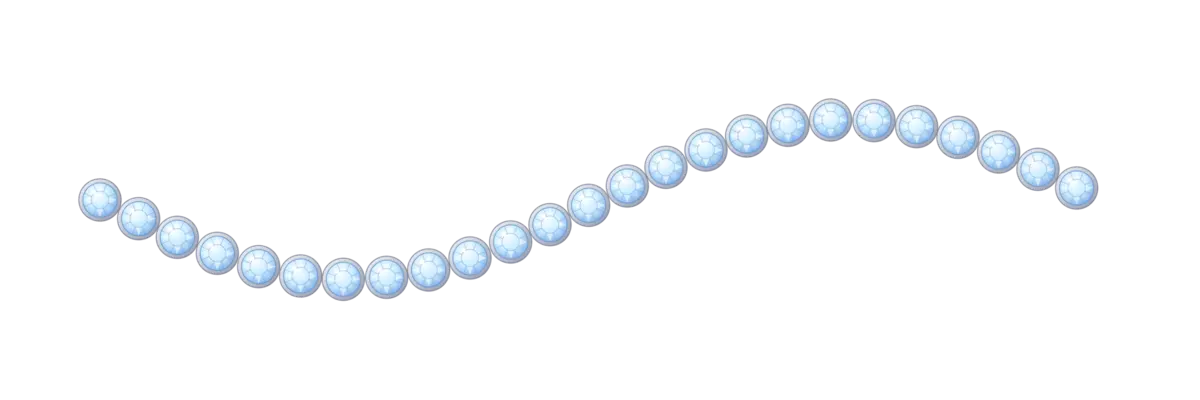
- Rhinestone LineCrystals set in a neat row along your stroke
- Crystal ScatterLoose crystals spread around the line
- Diamond LinePainted diamonds spaced along the stroke
- Scattered DiamondsDiamonds tossed at different sizes and angles
- Loose Stone, RoundA round brilliant in your brush color
- Loose Stone, HeartA heart-cut stone in your brush color
- Loose Stone, Emerald CutA step-cut rectangle in your brush color
- Ruby HeartA deep red heart-cut ruby
- Sapphire PearA blue pear-shaped sapphire
- Amethyst MarquiseA purple marquise with pointed ends
- Tennis NecklaceA finished tennis necklace in one stamp
- Iced Heart PendantA heart pendant covered in diamonds
Rows of stones or a single gem
Gem brushes come in two kinds. Trail brushes such as Rhinestone Line and Crystal Scatter set stones all along your stroke, so you can outline a logo, trim a neckline or crust a whole shape in crystals. Stamp brushes place one gem per stroke: touch down where the stone goes and drag to turn it.
The Gem Lab set has eight Loose Stone cuts (round, oval, pear, heart, marquise, emerald cut, baguette and princess) that take your brush color, so one brush gives you rubies, emeralds or pink sapphires. The Jewellery Box set adds finished pieces such as studs, chandelier earrings and a tennis necklace.
How to paint with gem brushes
- Open the brush library and type “gem”, “diamond” or “rhinestone” into Search brushes, or tap the Gem Lab, Charm Shop or Bling chip.
- For a row, draw slowly and evenly. Spacing in Brush Studio sets the gap between stones, Scatter loosens the row.
- For a single stone, set the size first, then touch down and drag in the direction the stone should point.
- Put gems on a layer above the clothing or the metal, so you can move them and add a soft Shadow.
A couple of star glints from the glitter brushes on the biggest stones make them look like they catch the light.
Make your own gem brush
Describe the stone and how it should sit, and the Brush Designer builds three versions from your sentence:
- “a row of pink heart rhinestones”
- “tiny scattered diamonds with a sparkle”
- “big emerald-cut green gem stamp”
Questions
Is there a rhinestone brush for iPad?
Yes. Bristle Canvas has Rhinestone Line and Crystal Scatter in the Charm Shop set, plus Diamond Line and Scattered Diamonds in the Bling set. They are free.
Can I change the color of the gems?
The eight Loose Stone brushes always use your brush color. For the others, switch between Original and Brush Color in the sticker section of Brush Studio.
Can I put diamonds on a chain?
Yes. Every chain brush has a Diamonds (Iced Out) slider, and Iced Miami Cuban comes fully iced.