Brush Library › Chain Brushes
Chain brushes that link up as you draw
Drawing a chain link by link takes hours. In Bristle Canvas you draw one line and it turns into a gold Cuban, a rope chain or an iced-out Miami link, with every link turned to follow your curve.
Build this brush for ProcreateOpens Bristle Studio in your browser with this brush already described.
Brushes in this set
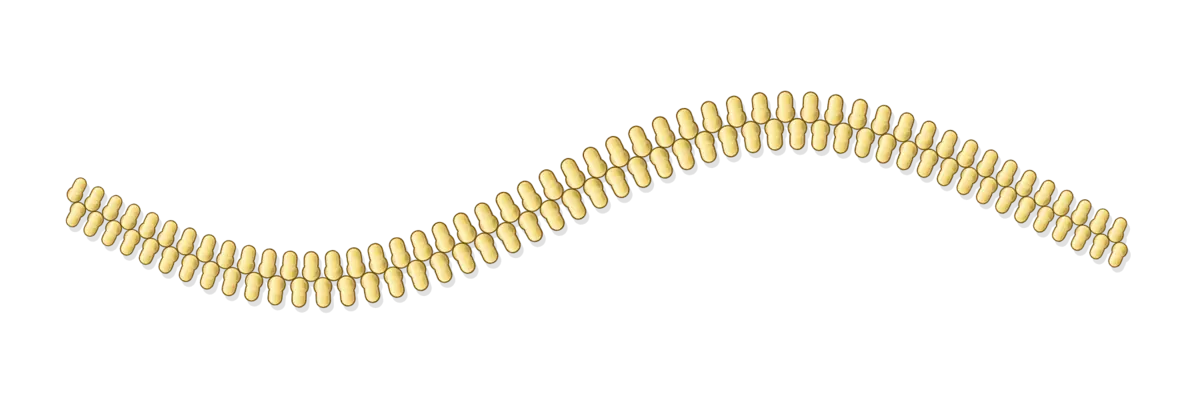
- Gold Cuban LinkChunky Cuban links in polished gold
- Iced Miami CubanWide Miami Cuban links covered in diamonds
- Sculpted Gold LinkHeavy, rounded links with a sculpted look
- Black Cuban LinkThe Cuban link in dark gunmetal
- Rose Gold CubanThe Cuban link in rose gold
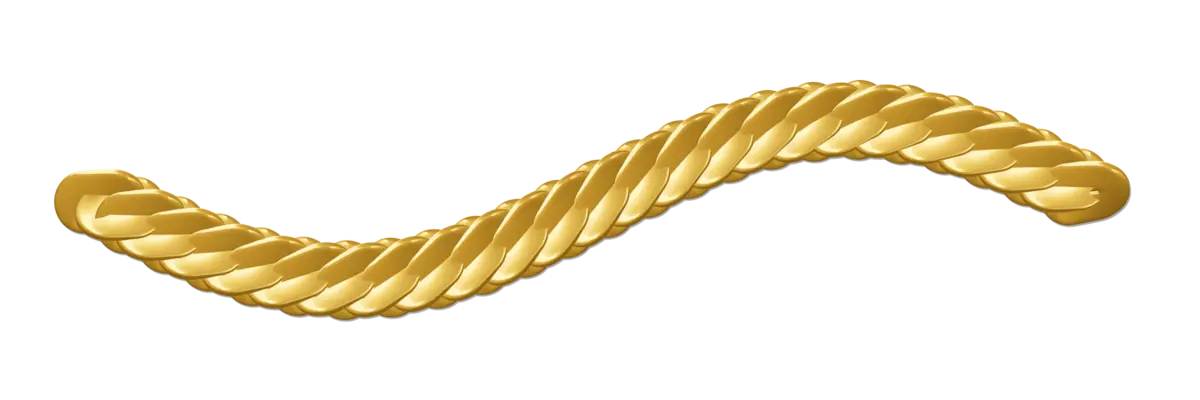
- Gold Rope ChainTwisted strands that spiral along your line
- Franco ChainTight, V-shaped links
- Byzantine ChainWoven links with a lot of depth
- Herringbone ChainFlat links that lie close like liquid gold
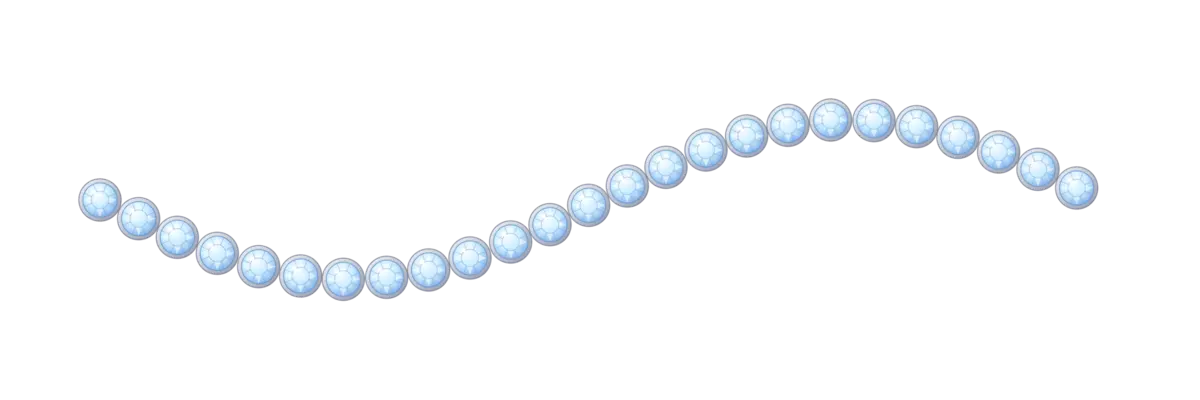
- Tennis ChainA single row of set stones in silver
- Rose Paperclip ChainLong, open links in rose gold
- Ball ChainSmall metal beads, like on a dog tag
Links that follow every curve
Bristle Canvas builds each link along your stroke while you draw: every link is turned to follow the curve, gets its own highlight and casts a small shadow. So a chain wraps around a neck the way metal really does.
The Chains set has 27 ready-made chains in gold, silver, rose gold, gunmetal and chrome. Zippers run on the same engine, see zipper brushes.
How to draw a chain
- Tap the brush tool to open the brush library and tap the Chains chip.
- Draw one slow, smooth line where the chain should hang. Pressing harder makes the links bigger, so keep an even pressure.
- The size slider sets the link size.
- In Brush Studio, switch the Style or the Metal (gold, silver, rose gold, gunmetal, chrome, pearl or your brush color) and change Link Length, Wire Thickness, Shine and Drop Shadow.
- Turn up Diamonds (Iced Out) to put stones on any chain, or pick Iced Miami Cuban.
Draw each chain on its own layer, then erase a few links where hair or a collar covers it. That one detail makes a chain look worn instead of pasted on.
Make your own chain
The Brush Designer builds a brush from one sentence and gives you three versions. Name the style and the metal:
- “chunky rose gold Cuban chain, fully iced out”
- “thin silver rope chain for a choker”
- “matte black Franco chain with almost no shine”
Questions
Is there a chain brush for Procreate?
Bristle Canvas has 27 chain brushes built in, free on iPad. They run on Bristle's own chain engine, so they can't be exported as Procreate brushes. But Bristle Canvas opens your .brush and .brushset files, so your Procreate brushes come along.
How do I draw a gold chain on iPad?
Open the Chains set, pick Gold Cuban Link or Gold Rope Chain and draw one smooth line. The links follow the curve on their own. There is a full walkthrough in how to draw a gold chain on iPad.
Are the chain brushes free?
Yes. All chain and zipper brushes are part of the free painting tools in Bristle Canvas.