Brush Library › Pencil & Ink Brushes
Pencils and pens for clean line art
Every drawing starts with a line. These brushes take you from a loose graphite sketch to crisp inks: pressure swells and tapers the line, and the stabilizer keeps long curves smooth.
Build this brush for ProcreateOpens Bristle Studio in your browser with this brush already described.
Brushes in this set
- PencilGraphite on paper grain; tilt the Pencil to shade
- CharcoalDeep black with a crumbly edge
- Ballpoint SketchA fine, light pen for loose sketches and hatching
- Ballpoint PenThicker and darker the harder you press
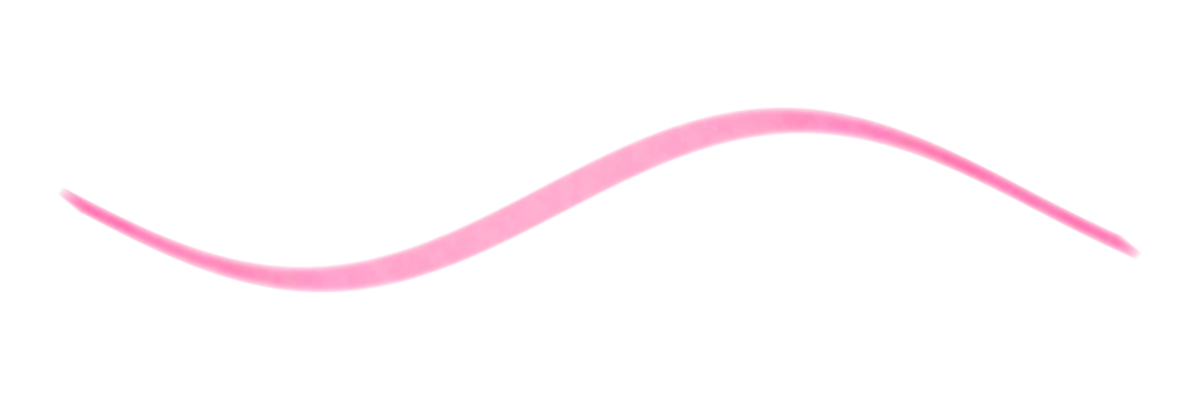
- InkA hard-edged liner: thin when light, bold when firm
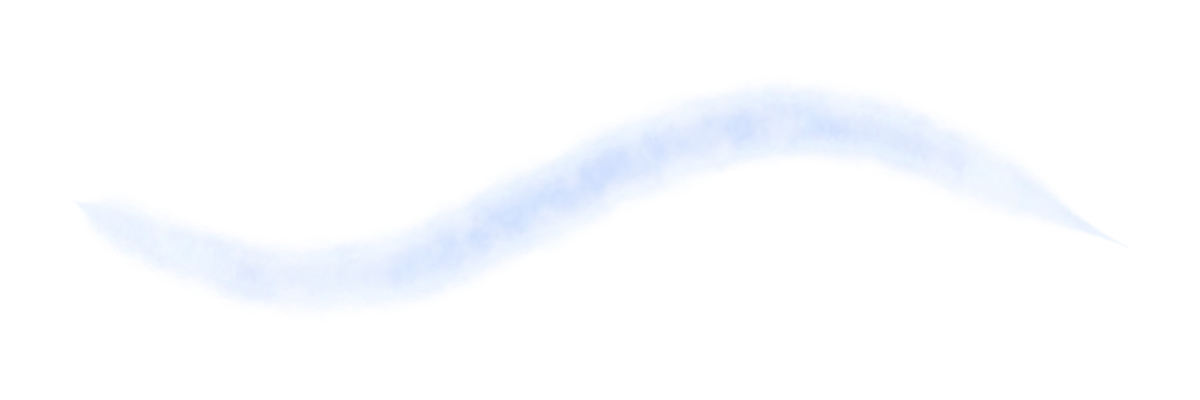
- Wet InkInk that pools darker at the edges and ends
- Shaky Ink LinerA liner with a hand-drawn wobble
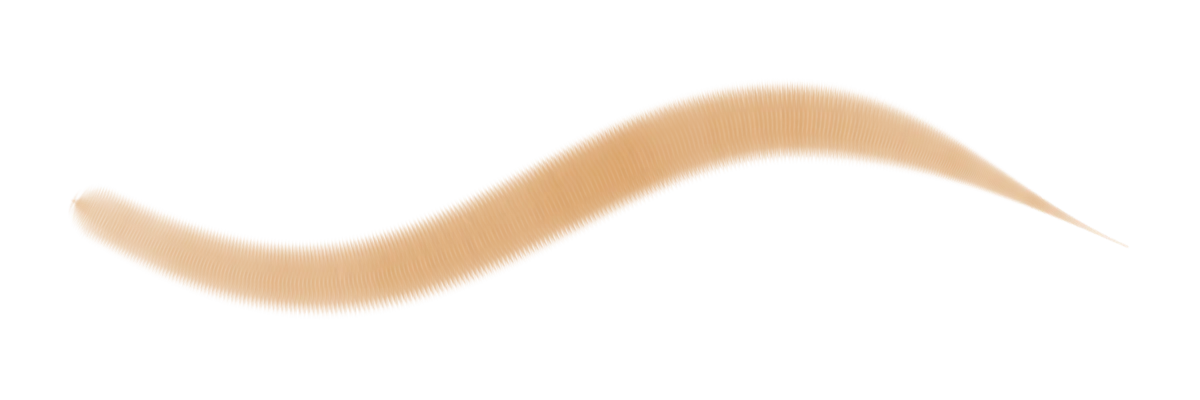
- Chisel MarkerA slanted tip that goes thick and thin
- Paint MarkerRound, opaque and even, like a paint pen
- Speed LinesComic speed lines along your stroke
- Focus LinesA burst of lines for dramatic moments
- Boil PencilA Living pencil line that jitters like a cartoon
From the first sketch to the final ink
The Basic set holds the classics. Pencil gets darker with pressure and shades wide when you tilt the Apple Pencil. Ballpoint Pen and Ballpoint Sketch build up where lines cross, great for hatching. Ink starts full and tapers at the end, and Wet Ink pools darker at its edges.
Shaky Ink Liner in the FX Lab set adds a hand-drawn wobble, and Chisel Marker and Paint Marker come from the Graffiti set. For comics, Comic Pop has Speed Lines, Focus Lines and Whoosh Lines, and Character FX adds anime marks like Blush Lines and Sweat Drop.
How to ink a drawing
- Sketch with Pencil or Ballpoint Sketch, then lower that layer's opacity.
- Ink on a new layer with Ink: firm for outlines, light for hair and folds.
- For long, calm curves, turn up Smoothing or Stabilizer under Stabilization in Brush Studio.
- Hold the Pencil still at the end of a stroke to snap a clean line or circle, perfect for a halo.
- Color on a layer below the ink.
Panels and speech bubbles are in the Canvas tab (Premium, with one free try), see Comics and Patterns. For lines that move, Boil Ink and Sketch Hatch are free Living brushes.
Make your own pen
The Brush Designer builds a brush from one sentence and gives you three versions. Describe the tool:
- “technical pen with a perfectly even thin line”
- “brush pen that tapers sharply at both ends”
- “soft 2B pencil on rough paper”
Questions
What is the best brush for line art on iPad?
Start with Ink in the Basic set: a hard edge, thin with light pressure and bold when you press. For a looser feel, try Shaky Ink Liner.
How do I get smooth lines?
Open Brush Studio and turn up Smoothing or Stabilizer under Stabilization. For perfect lines and circles, hold the Pencil still at the end of a stroke and it snaps into a clean shape.
Can I use my Procreate inking brushes?
Yes. Bristle Canvas opens .brush and .brushset files. See how to use your Procreate brushes.
Are the pencil and ink brushes free?
Yes, all pencil, pen and ink brushes on this page are part of the free painting tools.