Draw with brushes
that come alive.
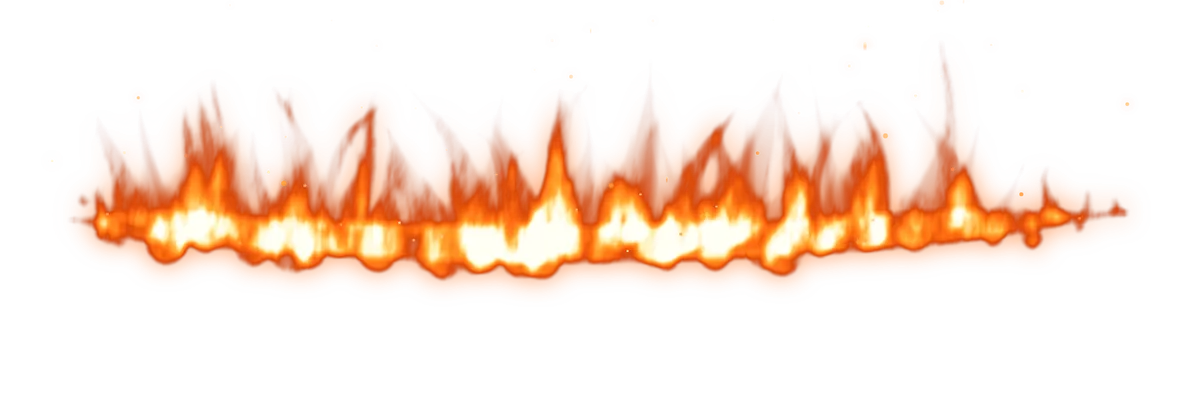
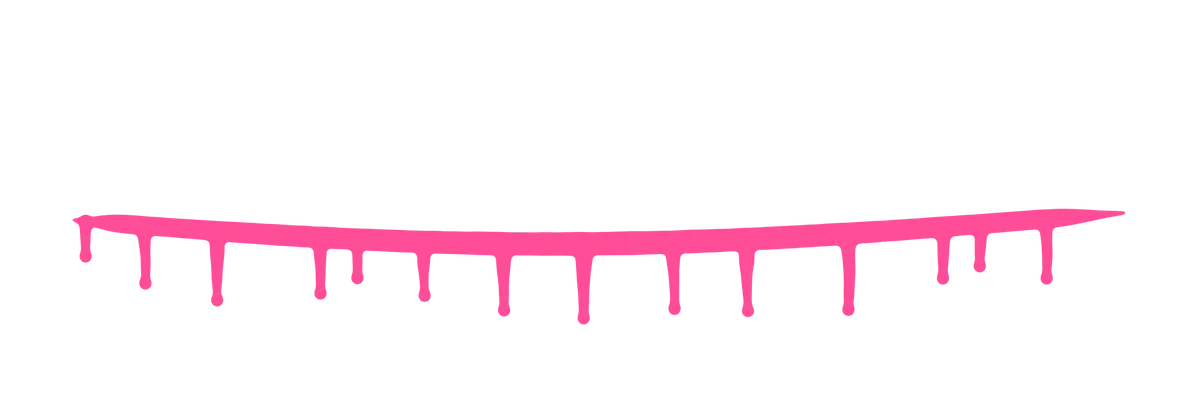
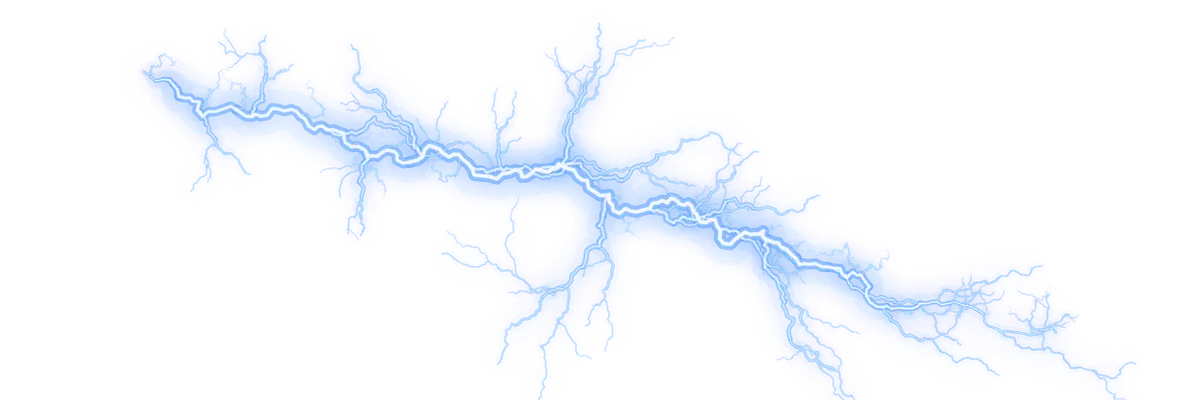
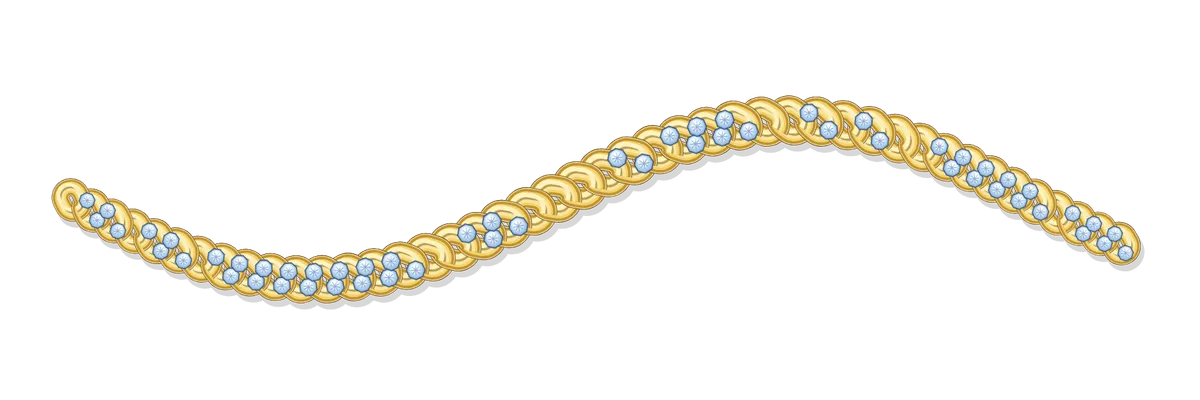
Bristle Canvas is a drawing app for iPad with its own paint engine. Fire flickers, drips run, chains link up and lightning forks while you draw, and every brush from Bristle Studio looks exactly as designed.

Brushes that move while you paint.
Other apps repeat a still image along your stroke. Bristle Canvas runs the brush itself, so effects grow, flow and react to your Apple Pencil in real time, then settle into your layer.
A complete studio on your iPad.
Built from scratch on Metal for a smooth, low-latency stroke on ProMotion displays, with all the tools you already reach for.
Layers like a pro
Groups, masks, clipping, alpha lock, a reference layer and 26 blend modes, all with a fast, memory-friendly undo.
Your brushes, your way
Brush Studio to build or tweak any brush, plus import for Procreate .brush and .brushset files. Pressure and tilt from Apple Pencil.
Brush Designer built in
Describe a brush in a few words and paint with it a moment later, right inside the app.
Animation
Frames, onion skin, loop or ping-pong playback, and export as GIF or MP4.
Text that stays editable
Twenty fonts, outline, shadow and glow, curved text, letter and line spacing. Change it any time.
Drawing guides
Grid, isometric and 1- or 2-point perspective with snapping, symmetry in five modes and QuickShape.
Select, transform, liquify
Freehand and colour selection, move, scale, distort and warp, plus six liquify modes.
Adjustments
Colour, levels, curves, gradient map, blur and sharpen, previewed live on the GPU.
Export anywhere
PNG, JPG, layered PSD and .procreate with layers, blend modes and groups. Timelapse video of every artwork.
Design a brush. Paint with it the same minute.
Bristle Studio and Bristle Canvas share one brush engine. What you design is what you paint with, including the effects other apps can’t carry over.
Your art stays on your iPad.
No account, no ads, no tracking. Artworks, layers and brushes are saved on your iPad. Only when you use the Brush Designer does your description go to our server to create the brush. With Premium, your own brushes can also sync between your devices.
- No account needed
- No ads or tracking
- Artwork stays on device
- Photos: add-only access
Test it before everyone else.
Bristle Canvas is about to go into a beta on iPad through Apple’s TestFlight. Join the list and we’ll invite you in waves as soon as the first build is ready.
- Early access
- Direct line to the developer
- Your ideas shape the app
Free. You sign up on Gumroad with your email, and we only write to you about Bristle.

Good questions.
Which iPads does it run on?
Bristle Canvas needs iPadOS 18 or later. It works on any iPad that runs it and feels best with Apple Pencil and a ProMotion display.
Can I use my Procreate brushes?
Yes. Open a .brush or .brushset file with Bristle Canvas and the brushes land in your library. Brushes from Bristle Studio come over with all their live effects.
Can I open my work in Procreate or Photoshop?
Yes. Share any artwork as a .procreate file with its layers, blend modes and groups, or as a layered PSD for Photoshop. PNG, JPG, GIF and MP4 work too.
Do the live effects need an internet connection?
No. Brushes, effects and all tools run on your iPad. Only the Brush Designer, which turns a description into a new brush, needs a connection.
What will it cost?
Bristle Canvas is free to download and draw with. Premium details follow at launch, and beta testers get a founder discount and a free brush pack.
When can I start?
The first TestFlight builds go out soon. Join the beta and we’ll invite you as soon as it’s ready.
Bristle Studio
Describe a brush and get it as a real Procreate or Photoshop file.